
Sharper, more realistic images up to 4K
The new model improves visual quality and photorealism across 1K, 2K and 4K. Skin, fabric, reflections and fine background detail hold up even when the image goes straight to print or a large display.
New from Google · Released October 6, 2026
Google's newest image model is out now. Type a prompt below and get a production-ready image up to 4K — no install, no design skills.
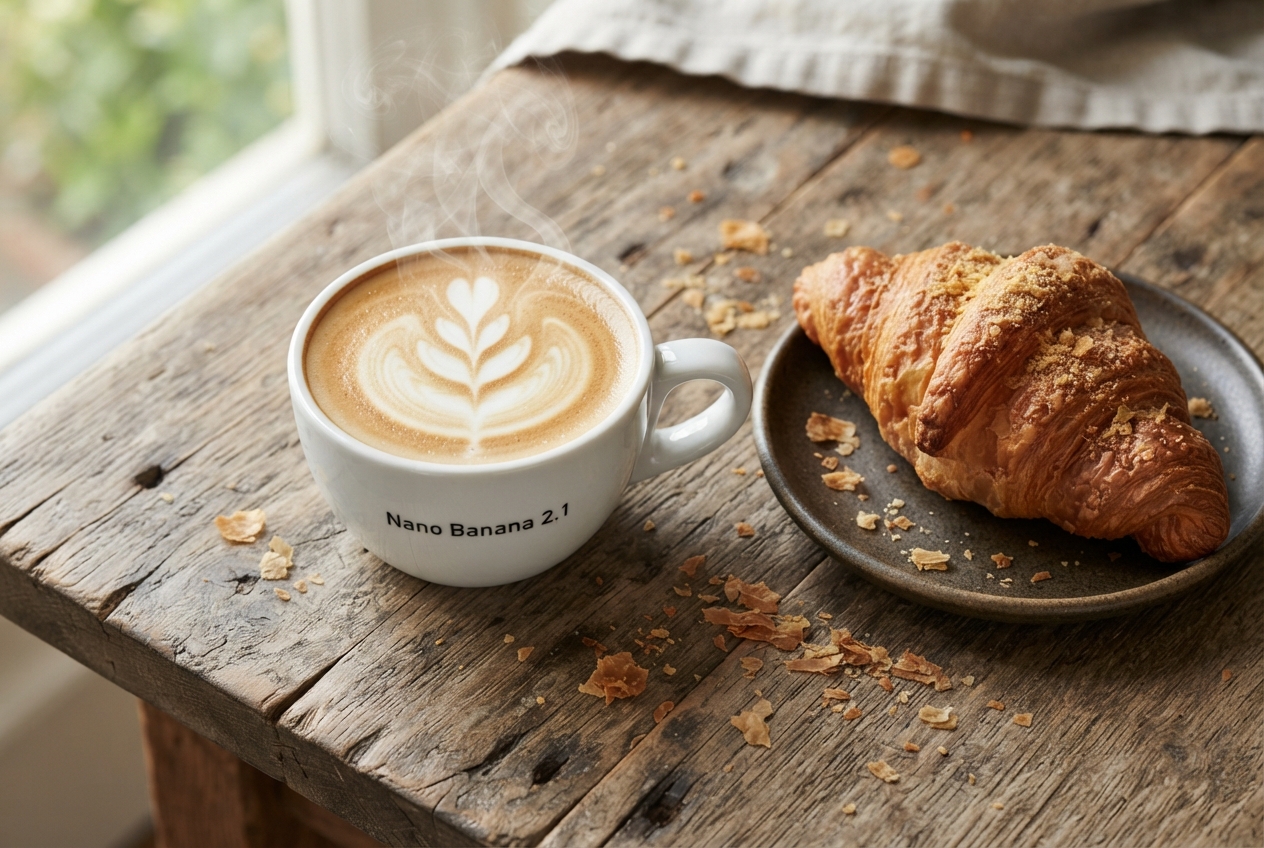
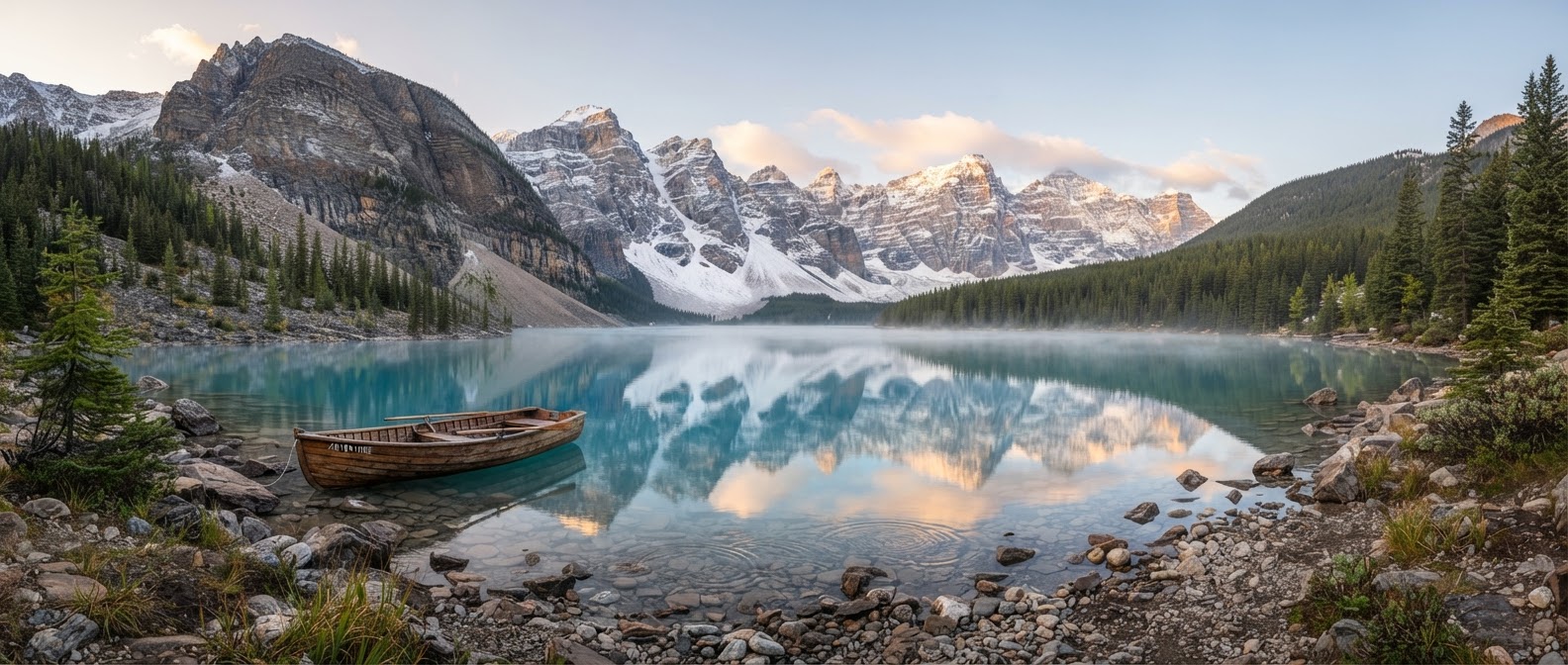
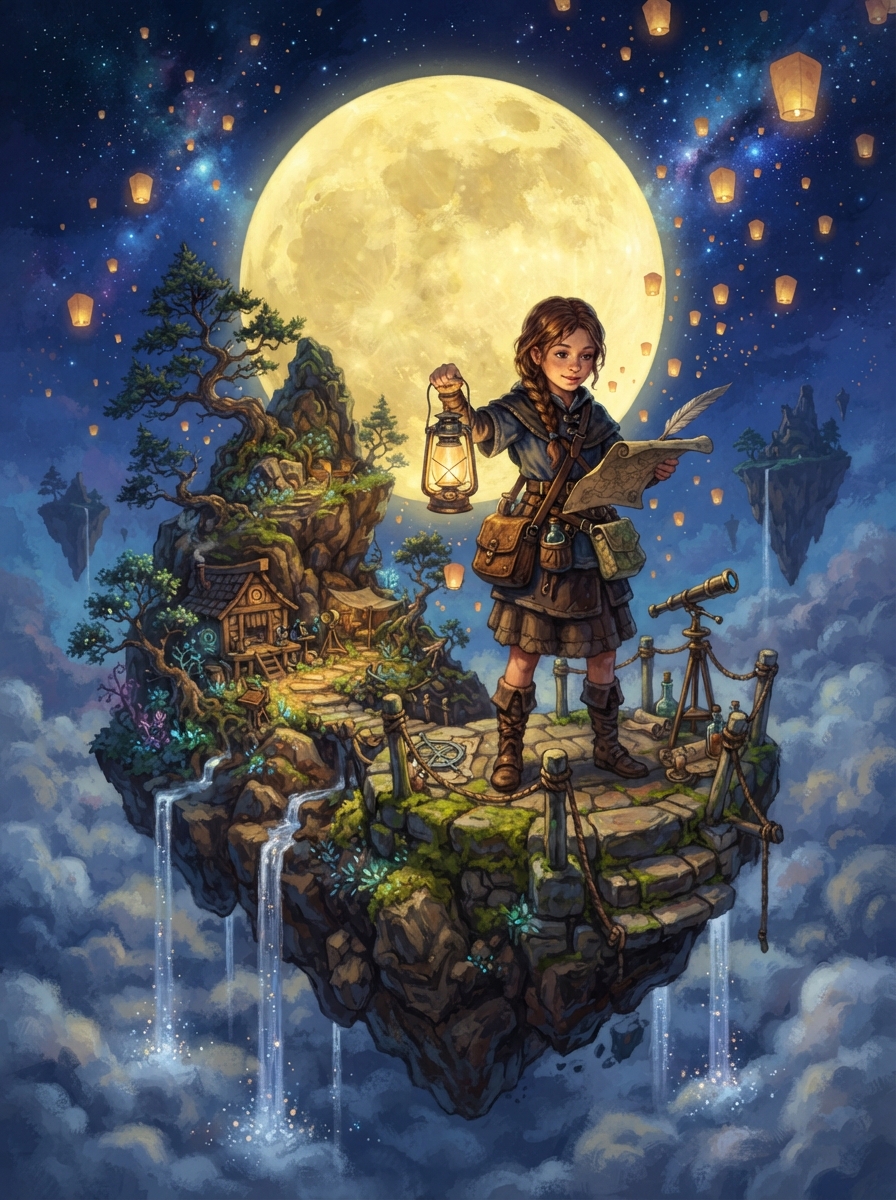
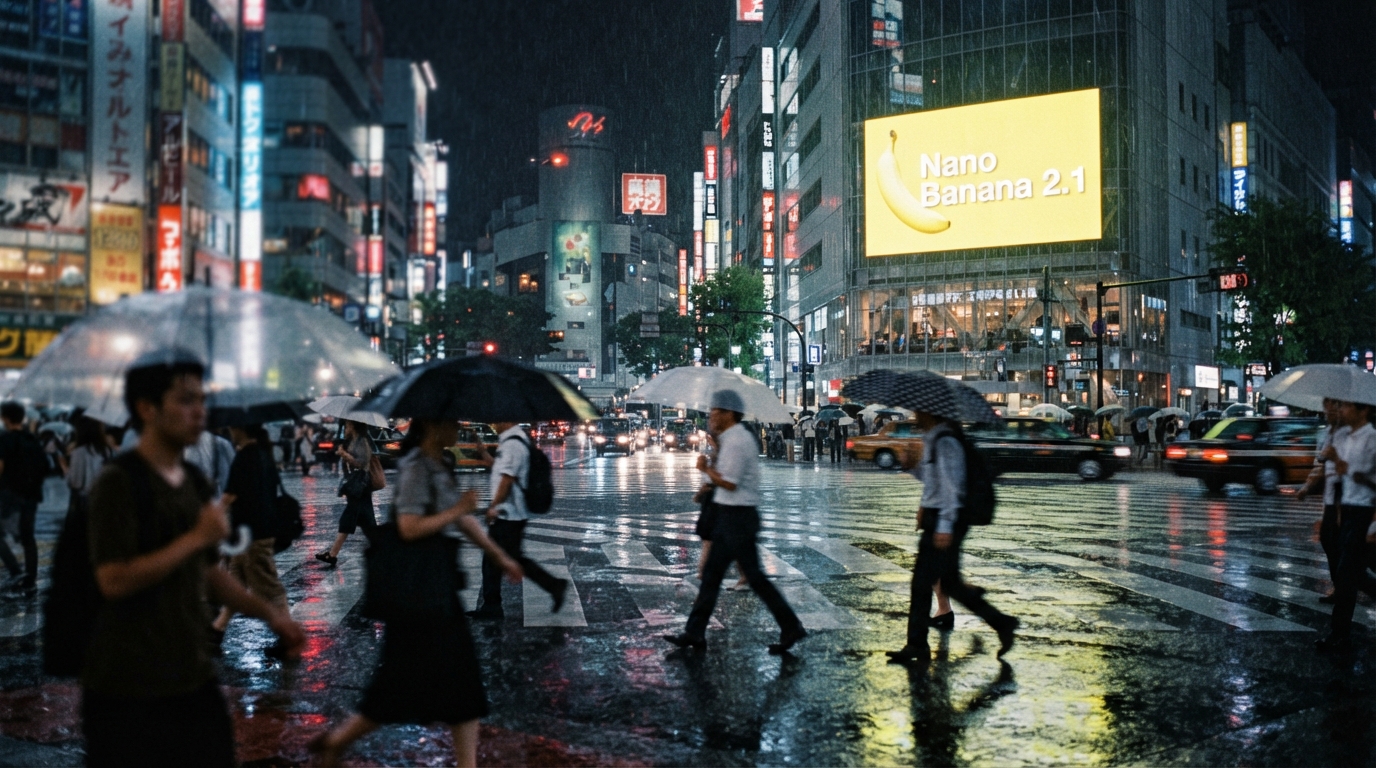
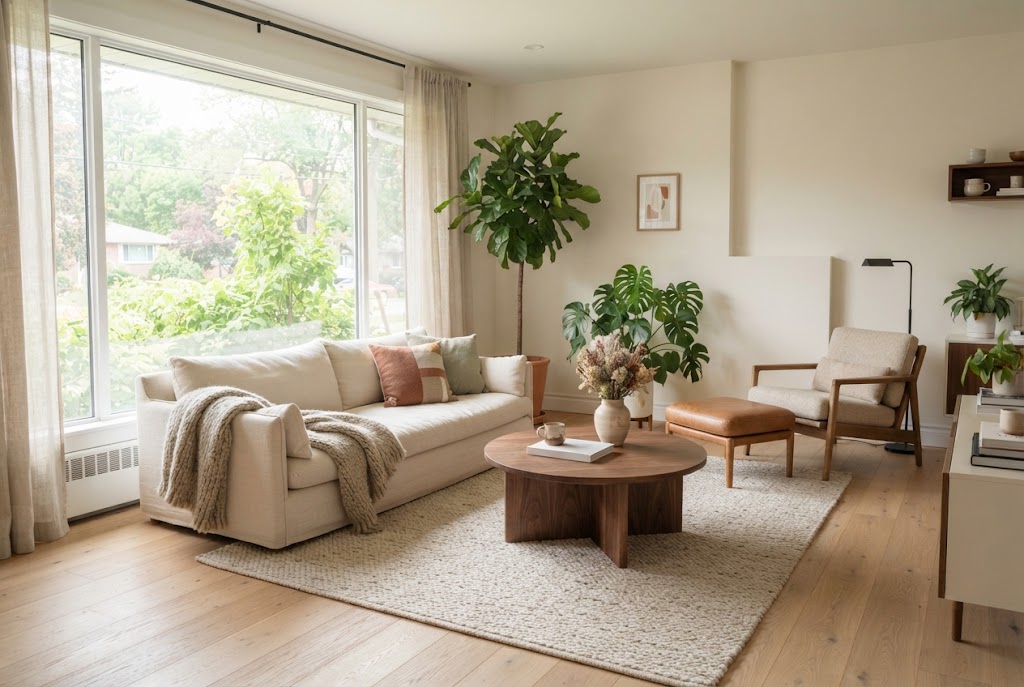
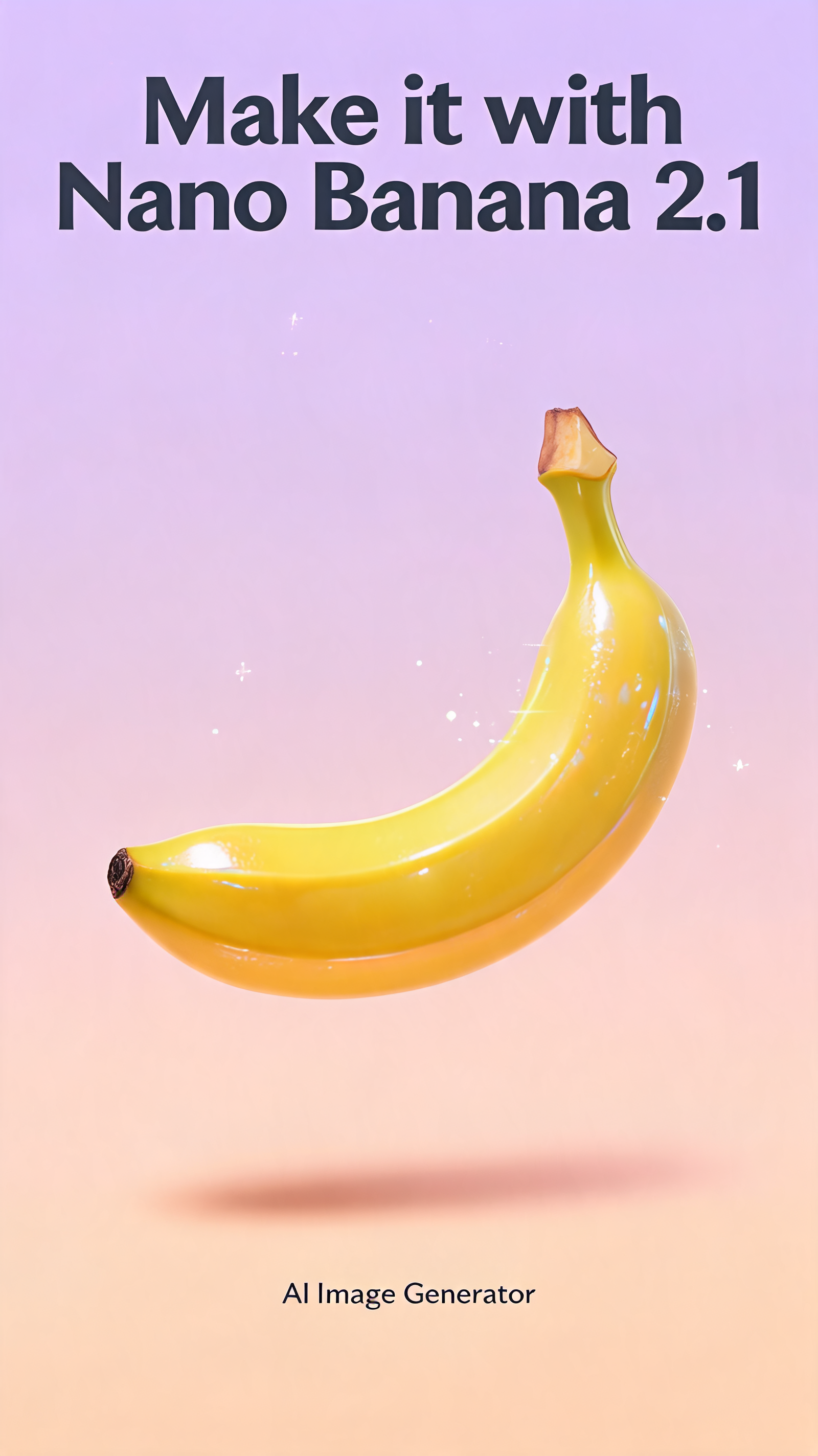
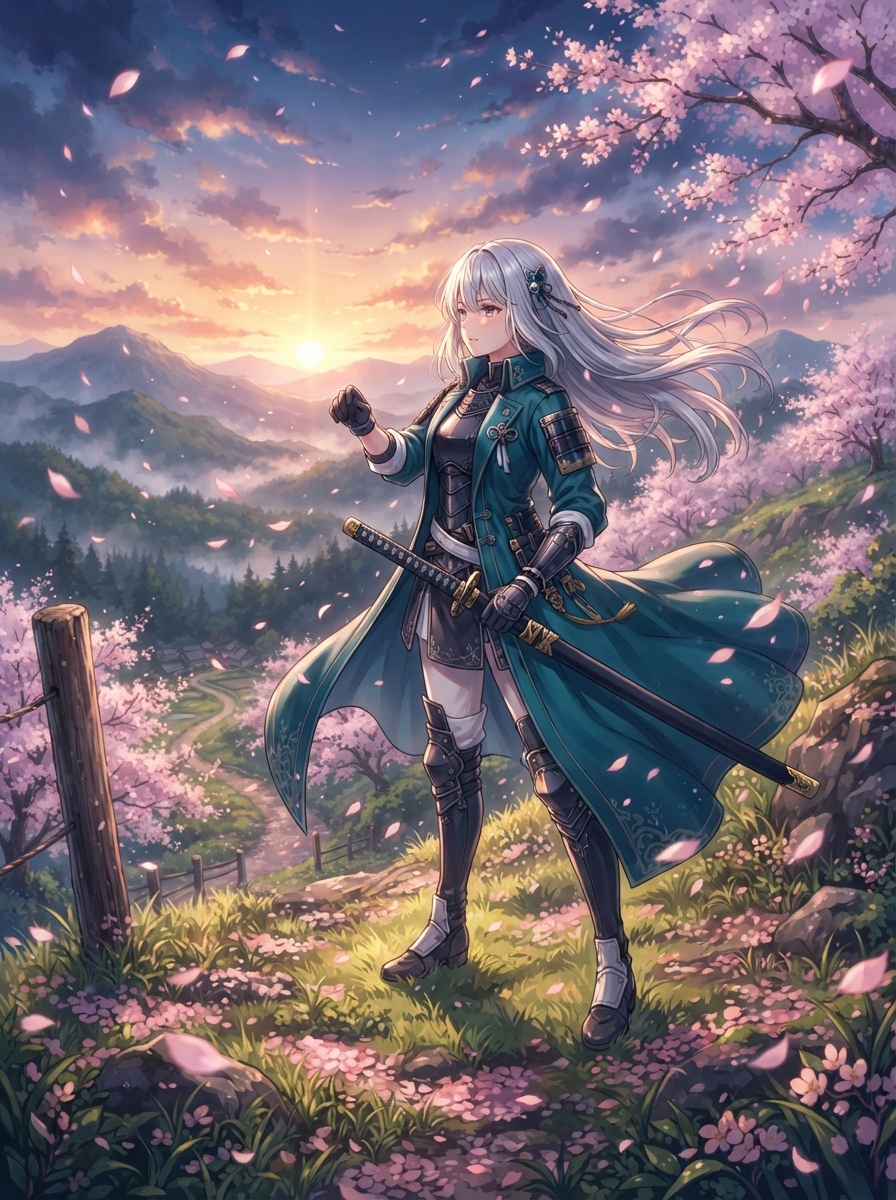
Nano Banana 2.1 is Google's latest AI image generation model, released on October 6, 2026. It's the upgrade to Nano Banana 2 and the high-efficiency counterpart to Nano Banana Pro: Pro-level output on a faster model.
The release focuses on two things: sharper, more realistic images at 1K, 2K and 4K, and cleaner text and infographic layout. On Visiojoy you can try it right on this page — write a prompt, pick one of ten aspect ratios, and download the result.
What Google improved in this release.
The new model improves visual quality and photorealism across 1K, 2K and 4K. Skin, fabric, reflections and fine background detail hold up even when the image goes straight to print or a large display.
Text rendering and layout were a focus of this release. Headlines, labels and short captions come out with cleaner letterforms, so posters, diagrams and slide visuals are usable instead of garbled.
Google positions 2.1 as the efficient counterpart to Nano Banana Pro: output quality close to the Pro tier, built on a faster model, so you can iterate on a prompt without long waits.
Google's developer documentation also lists multi-image composition: mix up to 14 reference images, with up to 10 objects reproduced at high fidelity and up to 4 characters kept consistent across scenes. It adds ultra-wide and ultra-tall formats such as 4:1, 1:4, 8:1 and 1:8 for banners and panoramas.
On Visiojoy, the generator on this page currently opens the text-to-image mode in ten aspect ratios up to 21:9; reference-image input and the 4:1 and 8:1 formats aren't available here yet. To work from your own photos today, use Nano Banana 2 or the AI Image Editor.
1
Plain English works: subject, style, lighting and mood. Put any on-image text in quotes.
2
Pick one of ten aspect ratios and 1K, 2K or 4K output.
3
Click generate, then download at full resolution — or tweak the prompt and run it again.
Not sure which Nano Banana model to pick? Here's how the three compare.
| Nano Banana 2.1 | Nano Banana 2 | Nano Banana Pro | |
|---|---|---|---|
| Position in the lineup | Upgrade to Nano Banana 2 | Previous Flash-tier model | Pro tier |
| Strength | Pro-level quality, faster | Fast, low-cost iteration | Maximum instruction fidelity |
| Max resolution | 4K | 4K | 4K |
| Edit uploaded images on Visiojoy | Not yet (text-to-image) | Yes | No, text-to-image |
| Best for | Realistic visuals and text-heavy designs | Quick drafts and edits | Complex, detail-heavy prompts |
Need to edit an existing photo? Use Nano Banana 2 or the AI Image Editor. Want to compare other models? Browse all AI image models.
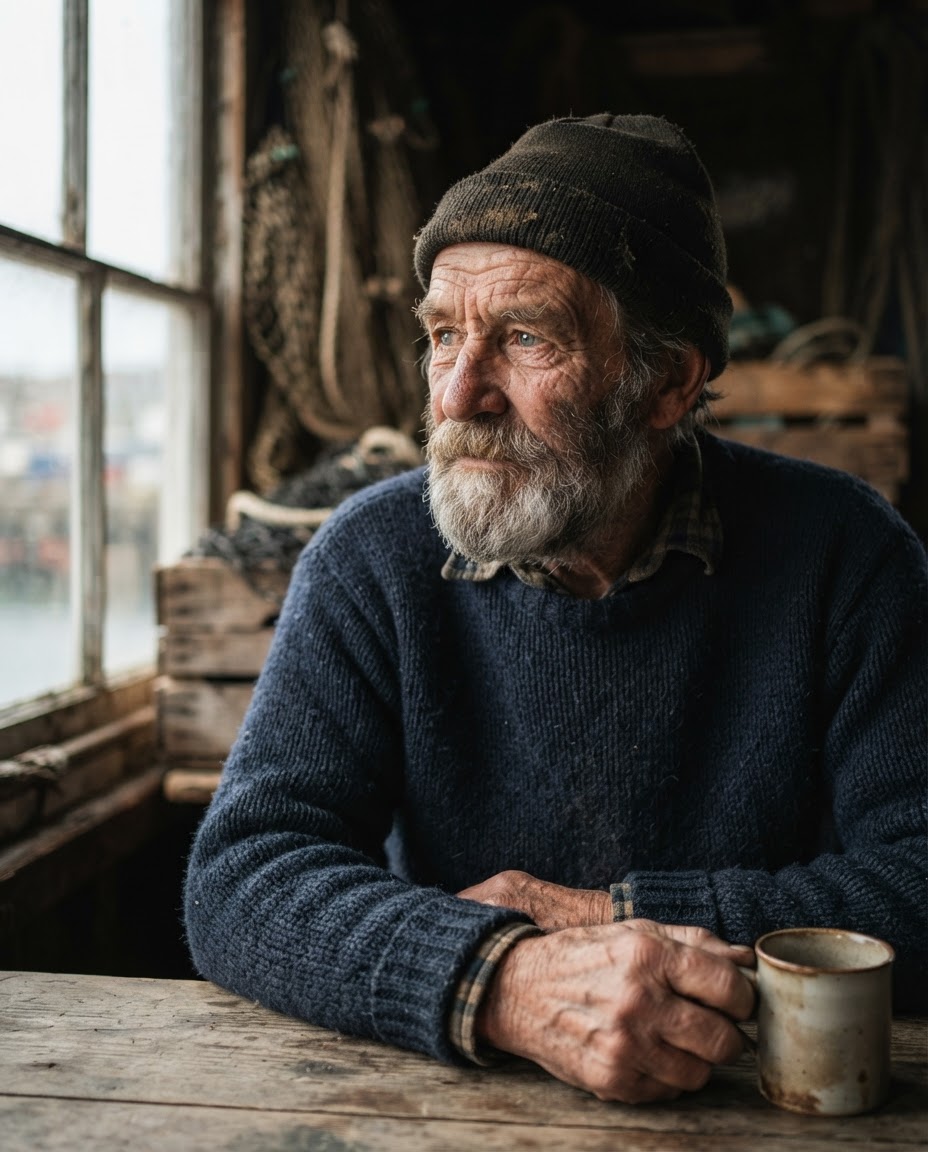
Eleven example images — product shots, posters with text, portraits, landscapes and illustrations — each with the prompt that made it. Click any card to load its prompt into the generator, then change a detail and make it your own.
Copy a prompt into the generator above, then set the aspect ratio and resolution shown next to it. Name the subject first, then style, lighting and composition; put any on-image text in quotation marks.
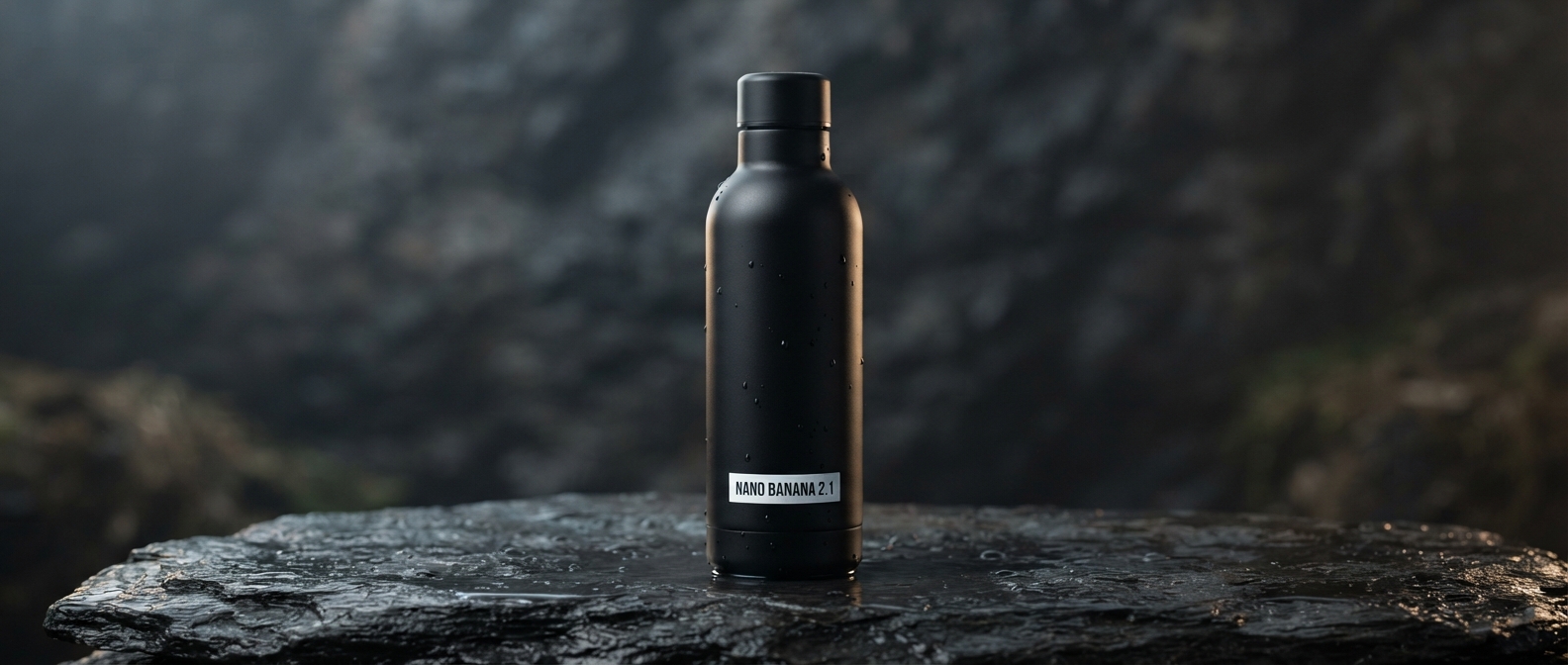
Product shot (21:9, 4K)
“Studio product photo of a matte black water bottle on wet stone, wide panorama, soft rim light, high realism.”
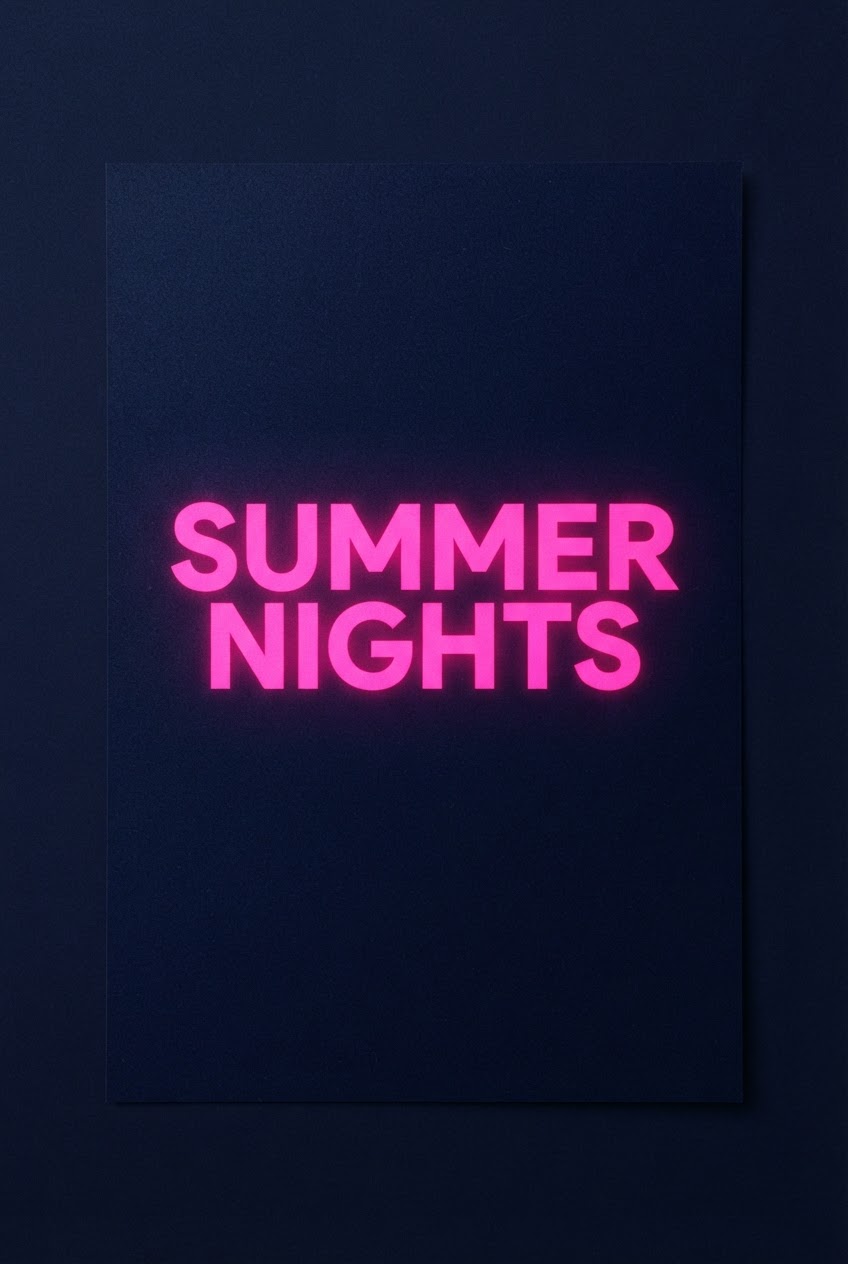
Poster with text (2:3, 2K)
“Minimal concert poster with the headline "SUMMER NIGHTS" in bold sans-serif, neon pink on deep navy, subtle grain.”
Infographic (4:3, 2K)
“Clean infographic explaining how solar panels work in 3 steps, flat vector style, accurately spelled labels.”
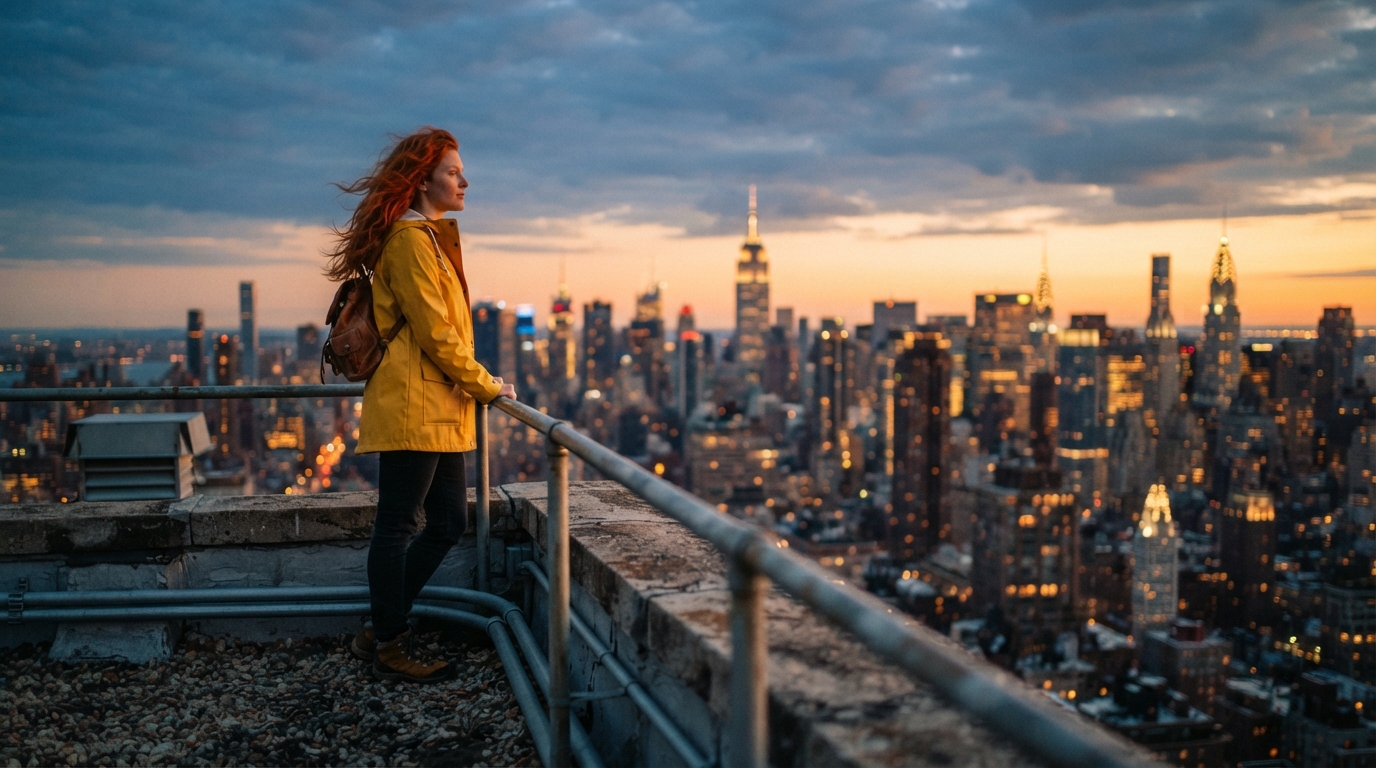
Character scene (16:9, 2K)
“A red-haired explorer in a yellow raincoat standing on a rooftop at sunset, cinematic wide shot, warm light.”
Text-to-image generation
Describe the subject, style, lighting and mood in plain English and get a finished image back.
Ten aspect ratios
1:1 · 2:3 · 3:2 · 3:4 · 4:3 · 4:5 · 5:4 · 9:16 · 16:9 · 21:9.
Three resolution tiers
1K for quick drafts, 2K for high-DPI screens, 4K for print and large-format output.
Full-resolution download
Save every result at the resolution you generated it at, ready for your layout or upload.
Browser-native, no installation
Open Visiojoy in any modern browser and start generating. No software to install, no local GPU required.
Nano Banana 2.1 is Google's newest Gemini-based AI image model. It's the upgrade to Nano Banana 2 and the high-efficiency counterpart to Nano Banana Pro, with sharper photorealism up to 4K and better text rendering. On Visiojoy you can turn text prompts into images with it right in your browser.
Google released it on October 6, 2026.
It's available on Visiojoy's paid plans, which start at $9/month. Generation is credit-based: 4 credits per image at 1K or 2K, and 6 credits per image at 4K, so the Starter plan's 200 monthly credits cover about 50 images at 1K.
Type a prompt into the generator at the top of this page, choose an aspect ratio and a resolution (1K, 2K or 4K), and click generate. When the image is ready you can download it at full resolution or edit the prompt and run it again.
Google built 2.1 as the efficient counterpart to the Pro tier: close to Pro-level output quality on a faster model. Nano Banana Pro remains the pick when maximum instruction fidelity on complex, detail-heavy prompts matters most.
Version 2.1 is the direct upgrade, with improved visual quality and photorealism, cleaner text and infographic layout, and better multi-turn consistency.
The generator on this page offers ten aspect ratios (1:1, 2:3, 3:2, 3:4, 4:3, 4:5, 5:4, 9:16, 16:9 and 21:9) and three resolution tiers: 1K, 2K and 4K.
Yes. Text and infographic layout were a focus of this release. For the best results, put the exact words you want in quotation marks, keep them short, and name the font style and placement in your prompt.
Google's model supports conversational editing and mixing up to 14 reference images. On Visiojoy, the 2.1 generator currently opens the text-to-image mode; reference-image input isn't available here yet. To edit a photo today, use Nano Banana 2 or the AI Image Editor on Visiojoy, both of which accept an uploaded image.
Yes. Google offers it to developers through the Gemini API (model ID gemini-nano-banana-2.1) and Google AI Studio. If you'd rather not write code, Visiojoy lets you use it directly in your browser with no API key or setup.
Yes, on any paid plan. Outputs created on a paid subscription can be used commercially. Also check the destination platform's policy before publishing brand-facing assets.
Turn a text prompt into a sharp, realistic image up to 4K with Google's newest Gemini image model — right in your browser.