
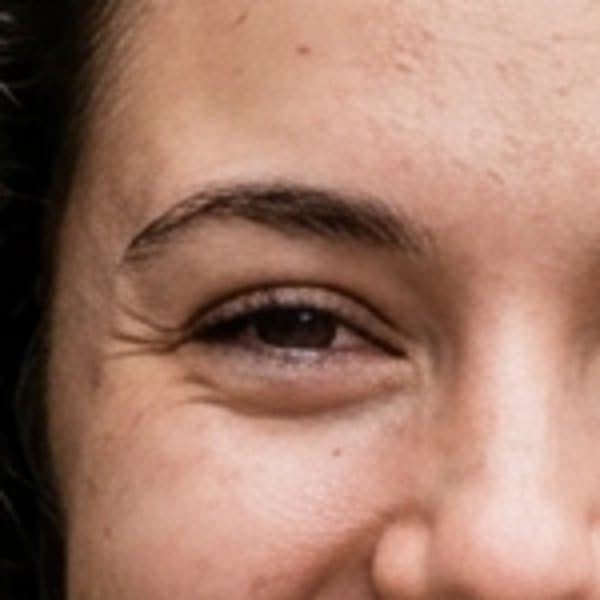
 Original
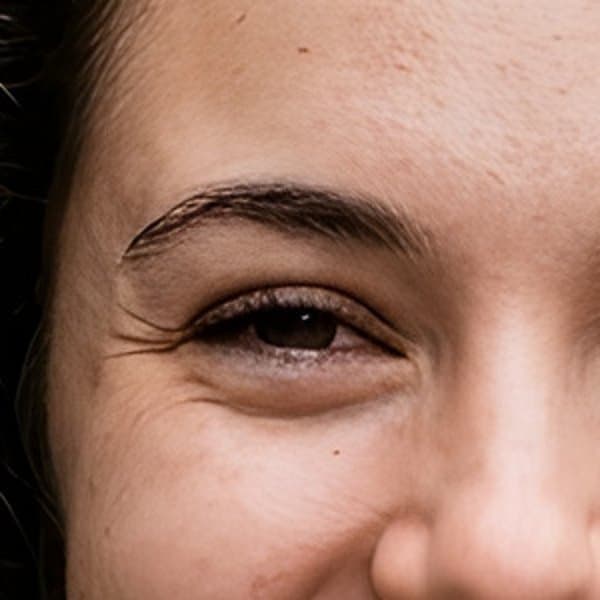 AI enhanced
Portrait
Eyelashes, brows and skin texture come out crisp instead of soft.
Upscale any photo to 2x resolution with sharper detail — free to try, nothing to install. Your first 12 images are free.
Drop the photo you want to enhance
or click to browse
PNG · JPEG · WebP · up to 10 MB
Each pair shows the same small area of a photo at the same zoom: on the left the original enlarged the usual way, on the right the AI-enhanced version. Results come straight from the tool on this page with no touch-ups; the example photos were generated with Visiojoy.
OriginalAI enhancedEyelashes, brows and skin texture come out crisp instead of soft.
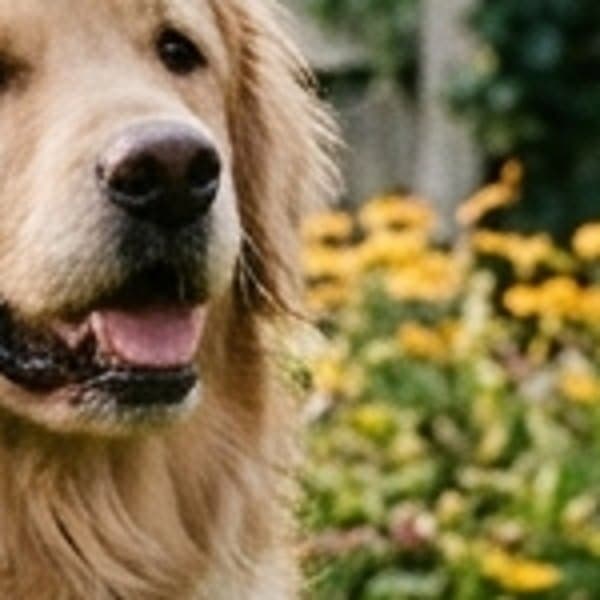 Original
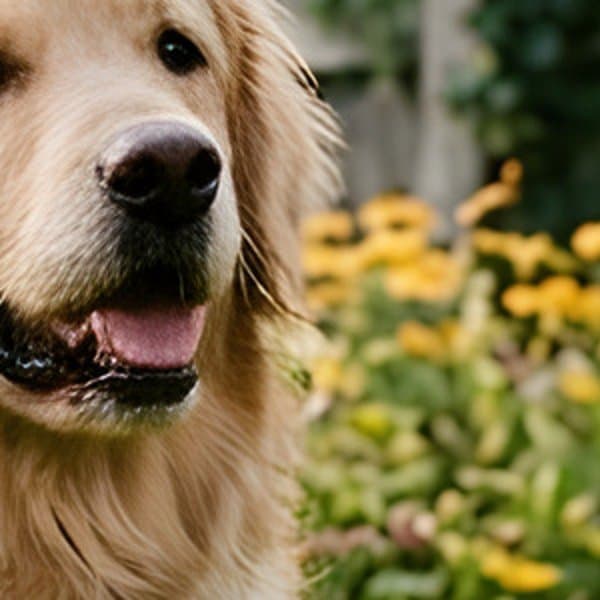 AI enhanced
Individual strands of fur and the nose texture stay defined.
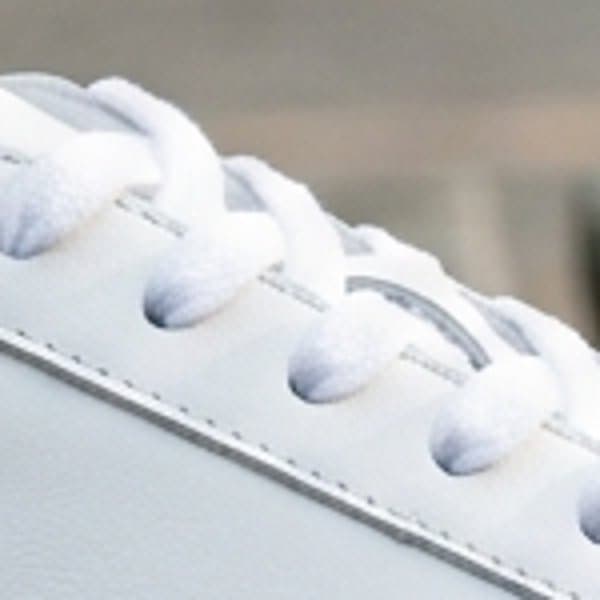 Original
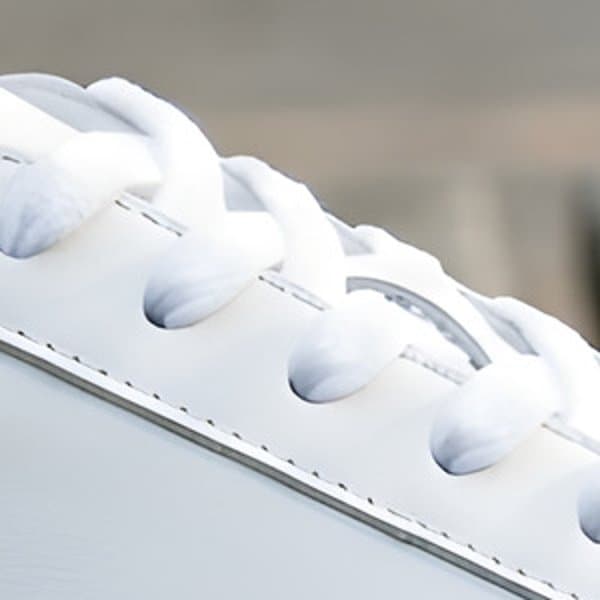 AI enhanced
Laces, stitching and leather edges hold their shape when enlarged.
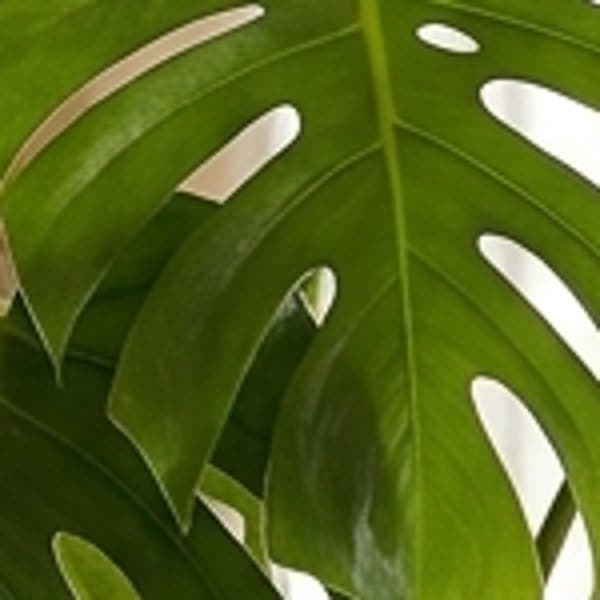 Original
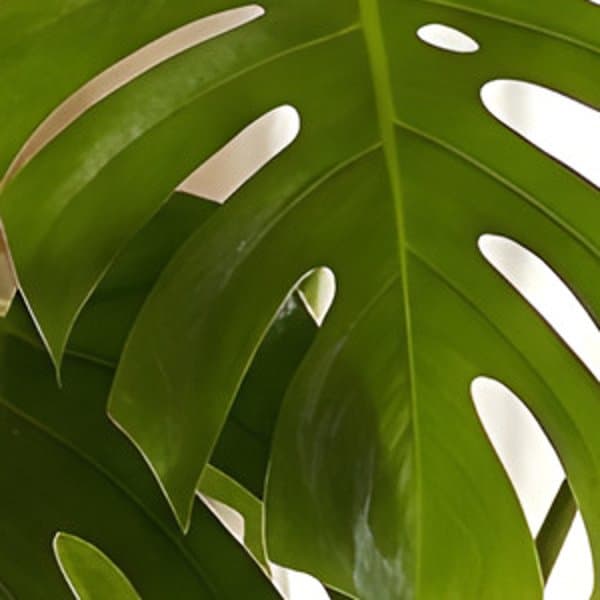 AI enhanced
Leaf edges and veins stay clean against the background.
Every image comes back at 2x its width and height. Here is what that means for common sizes. Need more? Enhance the result again.
| Image | Your upload | Enhanced |
|---|---|---|
| Small web image | 640 × 480 | 1,280 × 960 |
| Square social post | 1,024 × 1,024 | 2,048 × 2,048 |
| Full HD (1080p) | 1,920 × 1,080 | 3,840 × 2,160 (4K) |
Four steps, all on this page.
STEP 01
Drop a JPG, PNG or WebP image into the tool above, or tap to choose one. Files up to 10 MB are supported.
STEP 02
The AI upscales the photo to 2x its width and height and sharpens fine detail. A quick Google sign-in is needed the first time.
STEP 03
Drag the slider over the result to see the difference. Zoom in on faces, text and textures where it matters most.
STEP 04
Save the higher-resolution version. For an even bigger image, upload the result and enhance it again.
More pixels and crisper detail, without changing what your photo looks like.
Every image comes back at 2x its width and height — 4x the pixels — so it holds up on large screens, in print and when cropped.
Instead of simply stretching pixels, the AI rebuilds edges and fine texture, so the bigger image looks sharp rather than soft.
The enhancer adds resolution and clarity without repainting the image. Colors, faces and composition stay as they were.
New accounts get 12 free credits and each image costs 1 credit, so your first 12 enhancements are free. Free results may carry a small watermark until your first purchase.
Nothing to install. It works in any modern browser on desktop, iPhone and Android.
Upload images up to 10 MB, one at a time. The enhanced image comes back in the same format.
After your 12 free images, a credit pack from $9.90 covers about 640 more. See plans and credit packs.
Need a different fix? For blurry shots, use Unblur Image; to change lighting or colors, use the AI Image Editor.
Turn a 1080p screenshot, render or photo into a 4K image for big displays, wallpapers and presentations.
AI image generators often output around 1K. Enhance the result to get a version large enough for print, posters or high-resolution sharing.
Give small supplier photos and old catalog shots the resolution marketplaces and zoom-in galleries expect.
Give scanned prints and small old digital photos more resolution and crisper detail. It won't repair scratches, tears or faded colors — for those, describe the fix in the AI Image Editor.
Printing needs far more pixels than screens. Enhance a phone photo or web image before ordering prints, canvases or photo books.
Keep working on your image from the same account.
Fix photos blurred by missed focus, camera shake or low light.
Cut out the subject of your enhanced photo as a transparent PNG.
Change lighting, colors or details by describing the edit you want.
Upscale a batch of images by asking Claude, Cursor or another AI assistant.
It increases an image's resolution and sharpens fine detail. This enhancer upscales your photo to 2x its width and height and rebuilds edges and texture, so the bigger image looks crisp rather than stretched.
An image upscaler makes a picture bigger; an image enhancer makes it look better. This tool does both in one step: it upscales your photo to 2x and sharpens edges and texture, so you get a larger image that is also crisper. It doesn't change colors or lighting.
2x in each direction, which is 4x the pixels. For example, a 1,024 × 1,024 image becomes 2,048 × 2,048, and a 1,920 × 1,080 image becomes 3,840 × 2,160.
Yes. A Full HD (1,920 × 1,080) image comes back at 3,840 × 2,160, which is 4K. For smaller images, download the result and run it through the enhancer again to reach 4x the original size.
Yes, to start. New accounts get 12 free credits and each image costs 1 credit, so you can enhance 12 images for free. After that, a credit pack from $9.90 covers about 640 images.
Until your first purchase, results may include a small visiojoy.com watermark in the corner. After any subscription or credit pack purchase, new results are watermark-free and licensed for commercial use.
It sharpens detail, which helps with soft or low-resolution images. For photos blurred by missed focus, camera shake or low light, try Unblur Image, which is set up specifically for blurry shots.
No. It keeps your image as it is and only adds resolution and sharpness. To fix lighting, change colors or edit details, use the AI Image Editor and describe the change you want.
JPG, PNG and WebP images up to 10 MB. Transparent PNGs come back with a solid background, so if you need a cutout, enhance the image first and then remove the background.
Yes. The enhancer works in mobile browsers on iPhone and Android — pick a photo from your camera roll and download the result straight to your phone.
Not by default. Results appear in Visiojoy's public gallery, together with the photo you uploaded. Subscribers can switch off Public Visibility before enhancing to keep the result private, or turn on Copy Protection to hide the original photo.
You can pick a photo without signing in. When you click Enhance Image, a quick Google sign-in attaches the result and your free credits to your account.
This page handles one image per run. For batches, the Visiojoy MCP server lets an AI assistant such as Claude or Cursor upscale a list of images for you, using the same credits.
It currently uses Recraft Crisp Upscale, a model built to enlarge images while keeping edges crisp. Visiojoy is an independent platform and isn't affiliated with Recraft.
Yes, once you've made a purchase. Images created after your first purchase (any subscription or credit pack) can be used commercially; images created before that are for personal, non-commercial use. Make sure you also have the rights to the original photo.
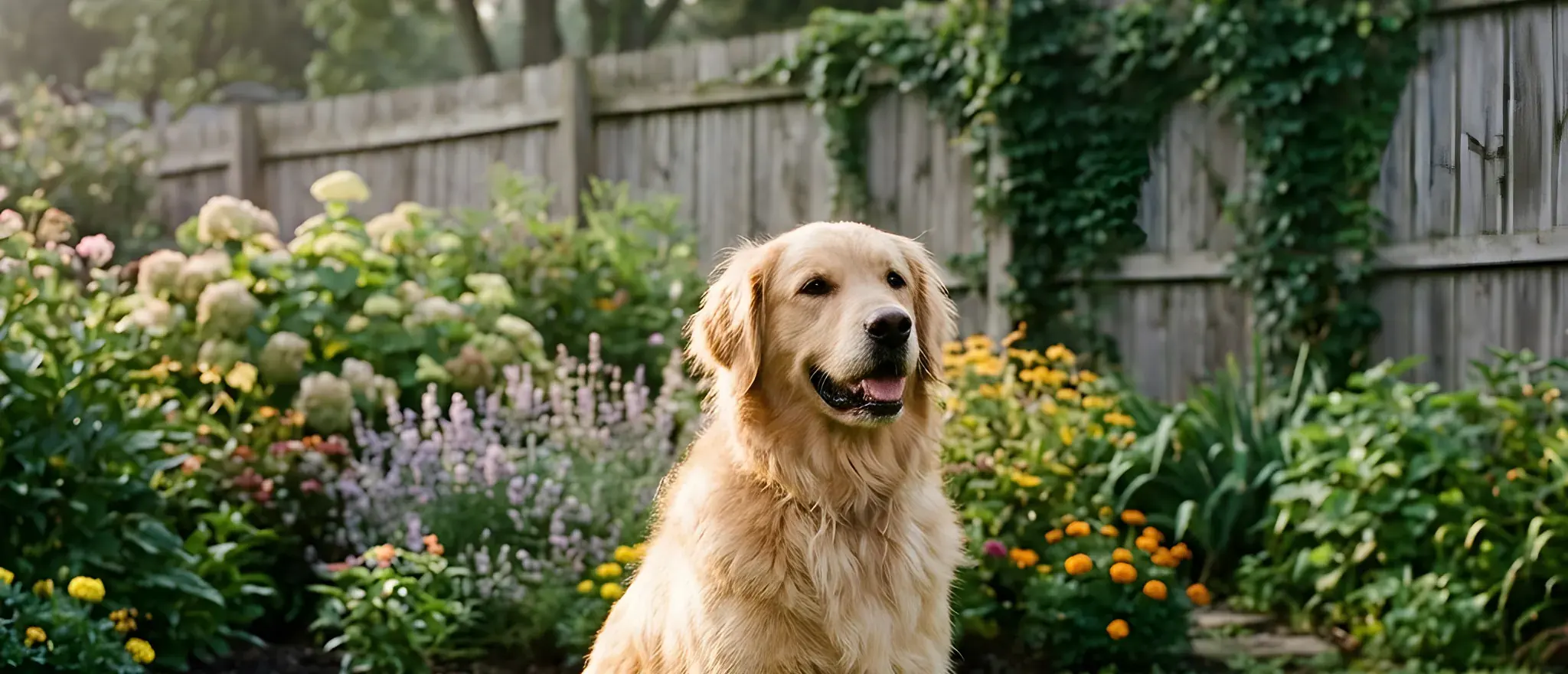
Upload a photo and get it back at 2x resolution with crisper detail. Your first 12 images are free.
Enhance an imageBackground photo enhanced to 2x with this tool