
STEP 01
Describe the place
Name the setting — a flooded chapel, a forest stream crossing, a tavern with a back door. Plain words work.
Type a scene and the AI DnD map generator draws a top-down battle map. Add a square or hex grid sized for Roll20, Foundry VTT or your printer. Free to start, no credit card.
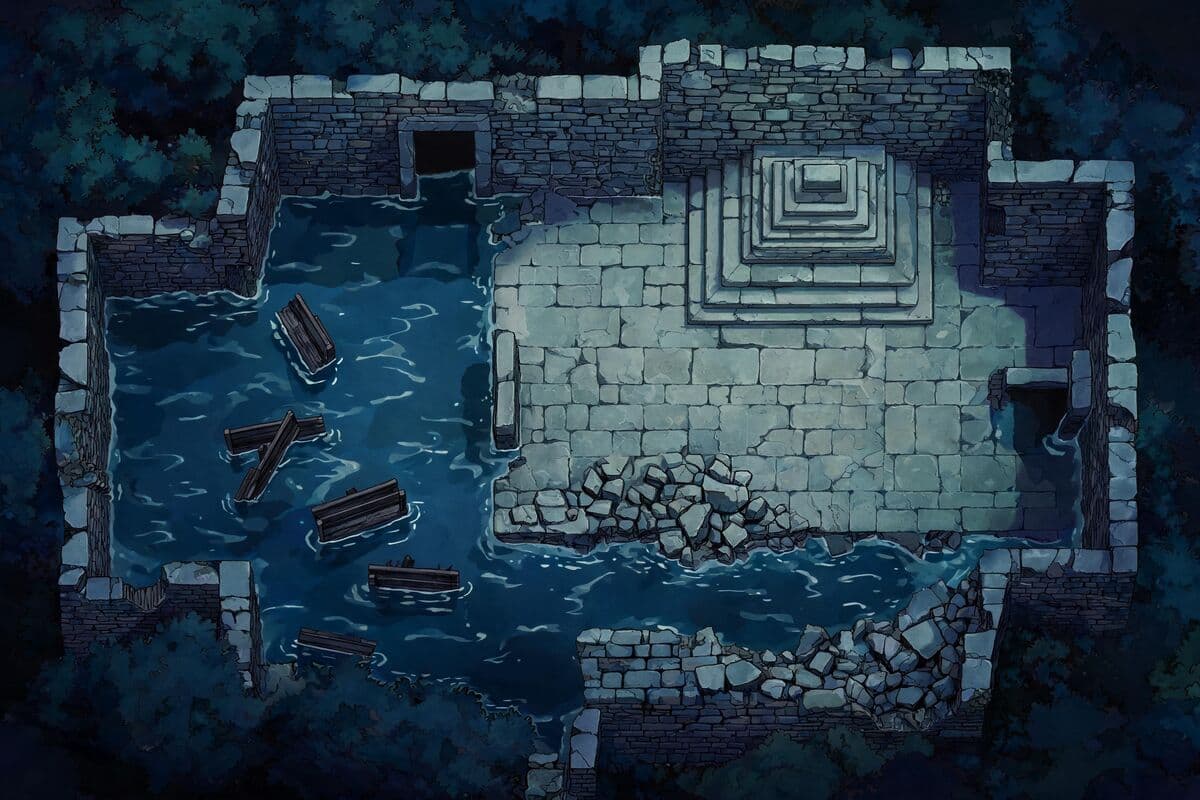
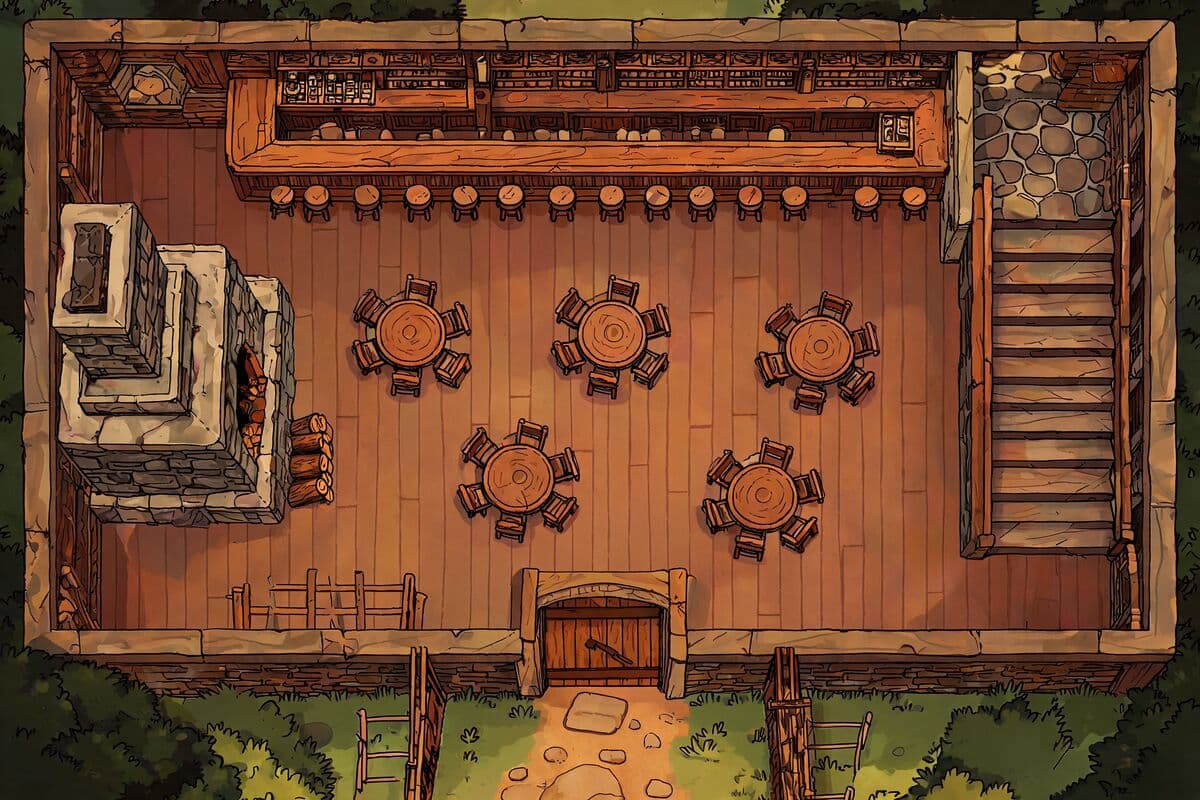
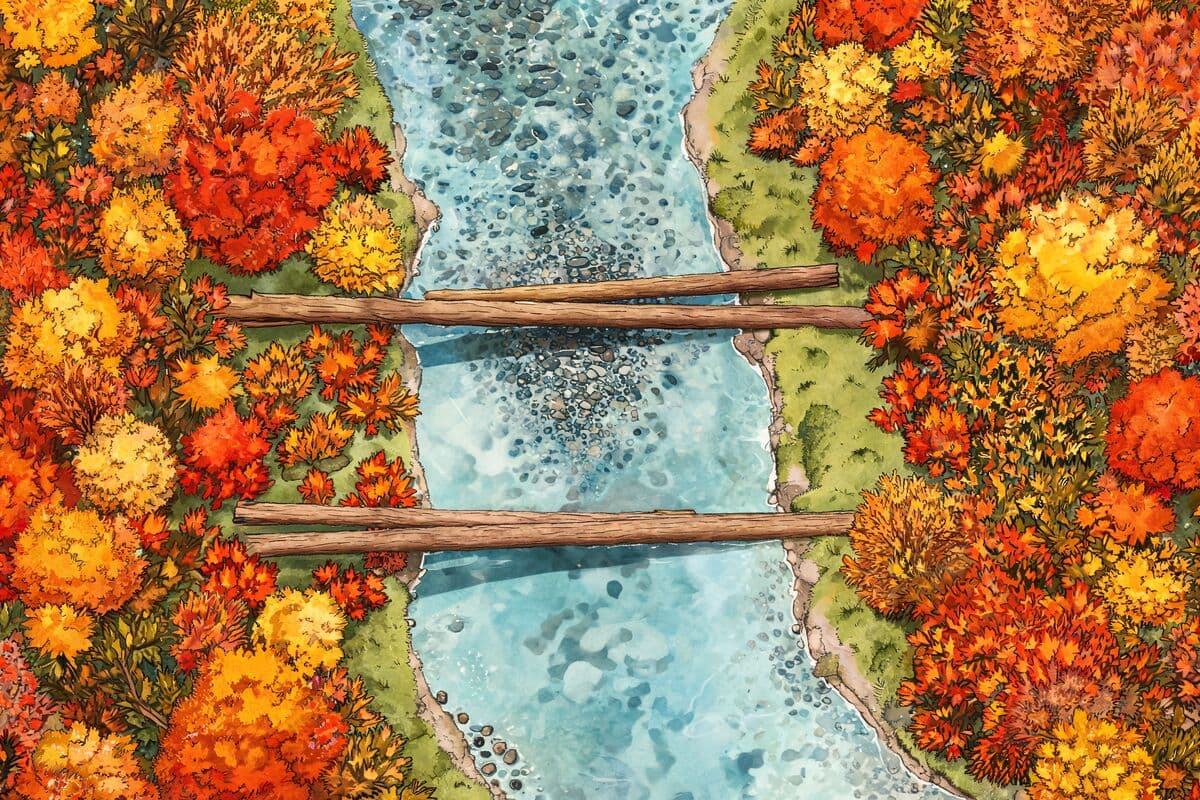
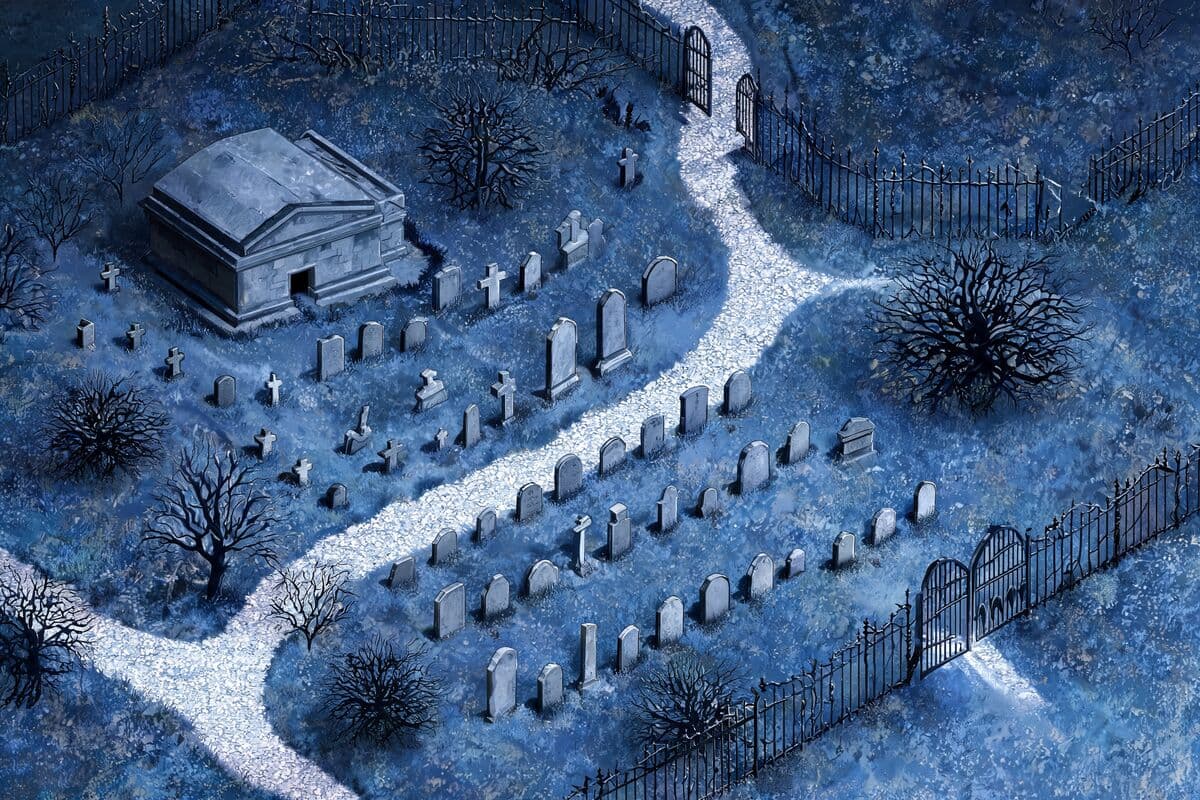
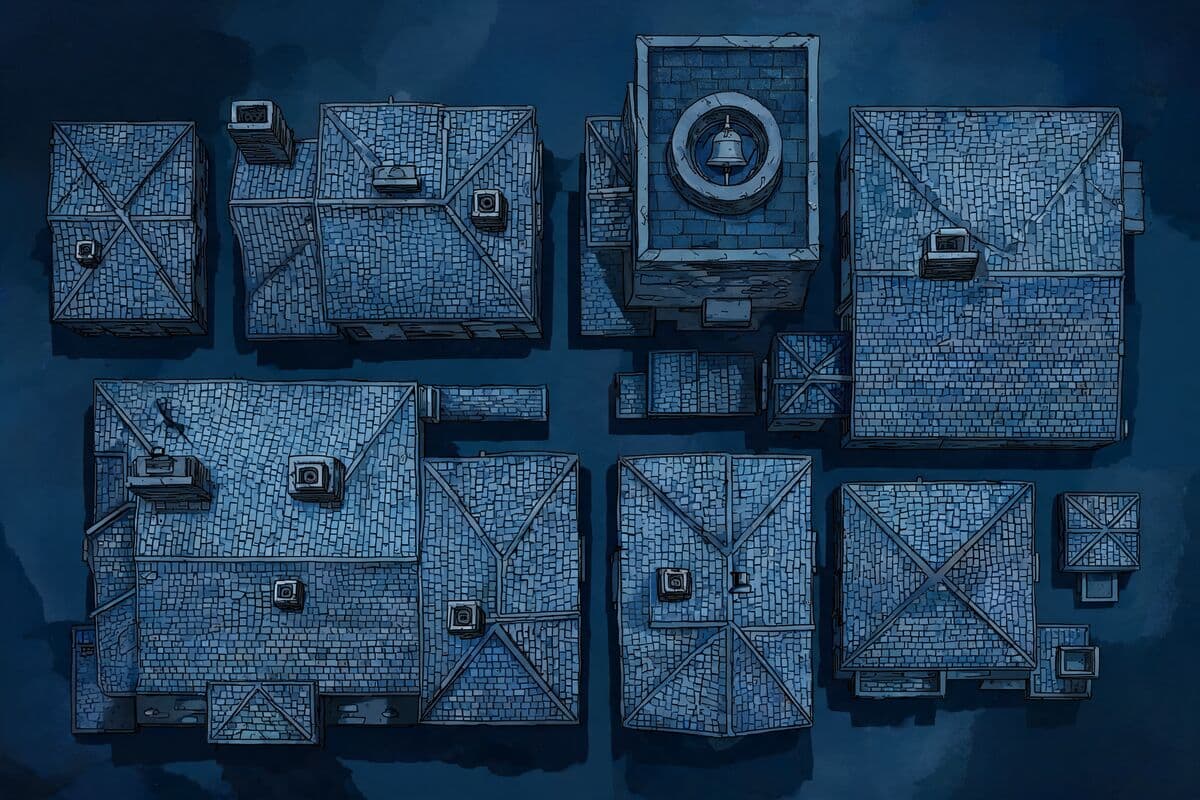
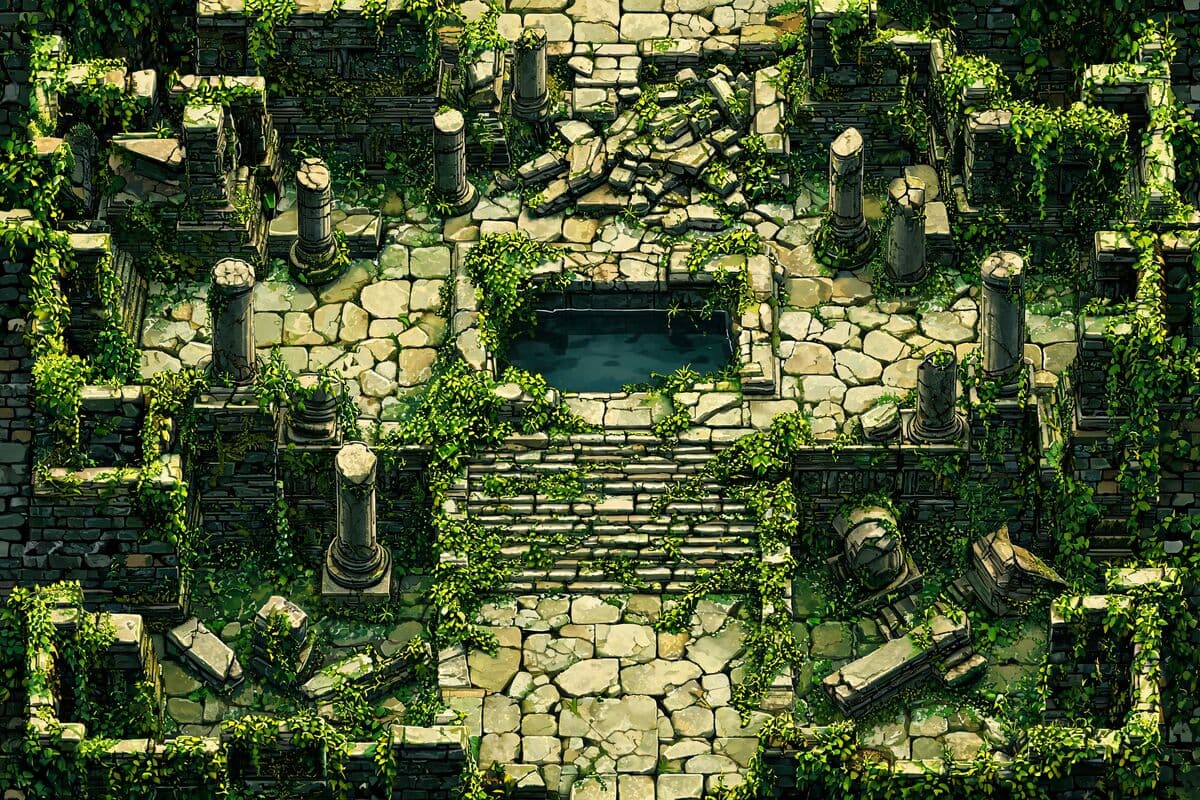
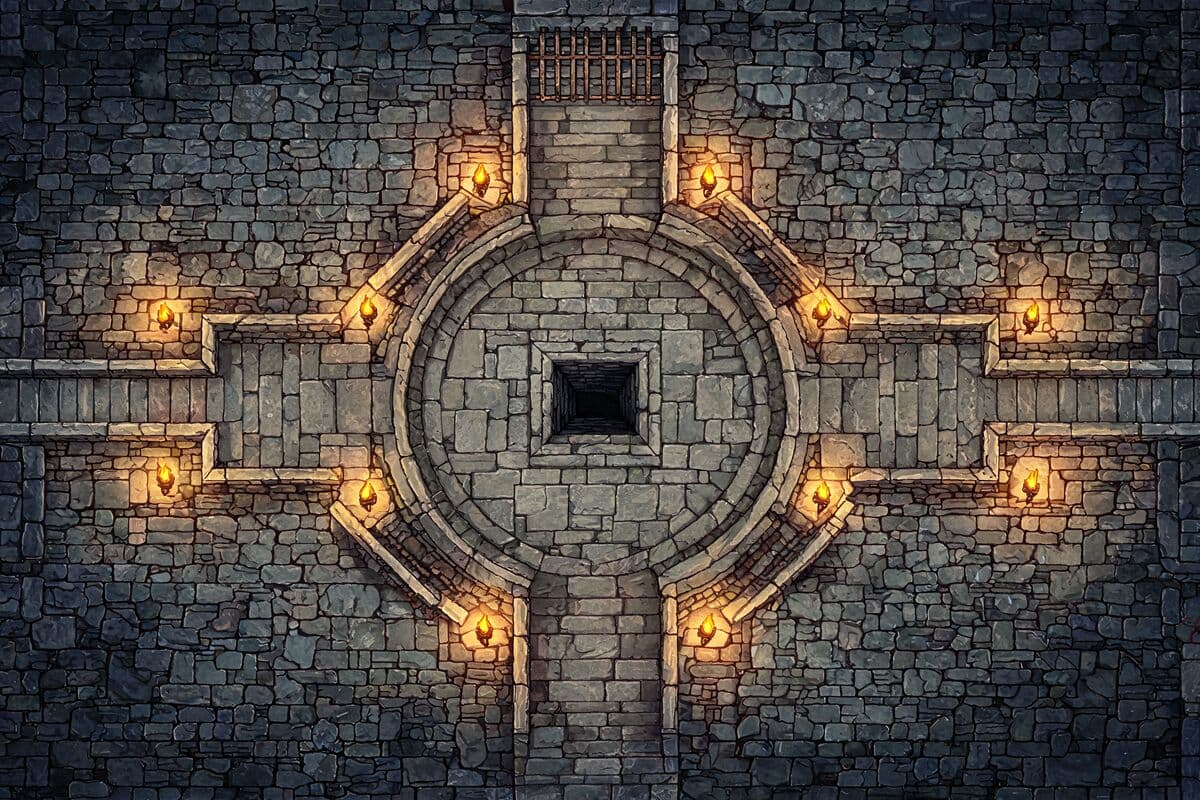
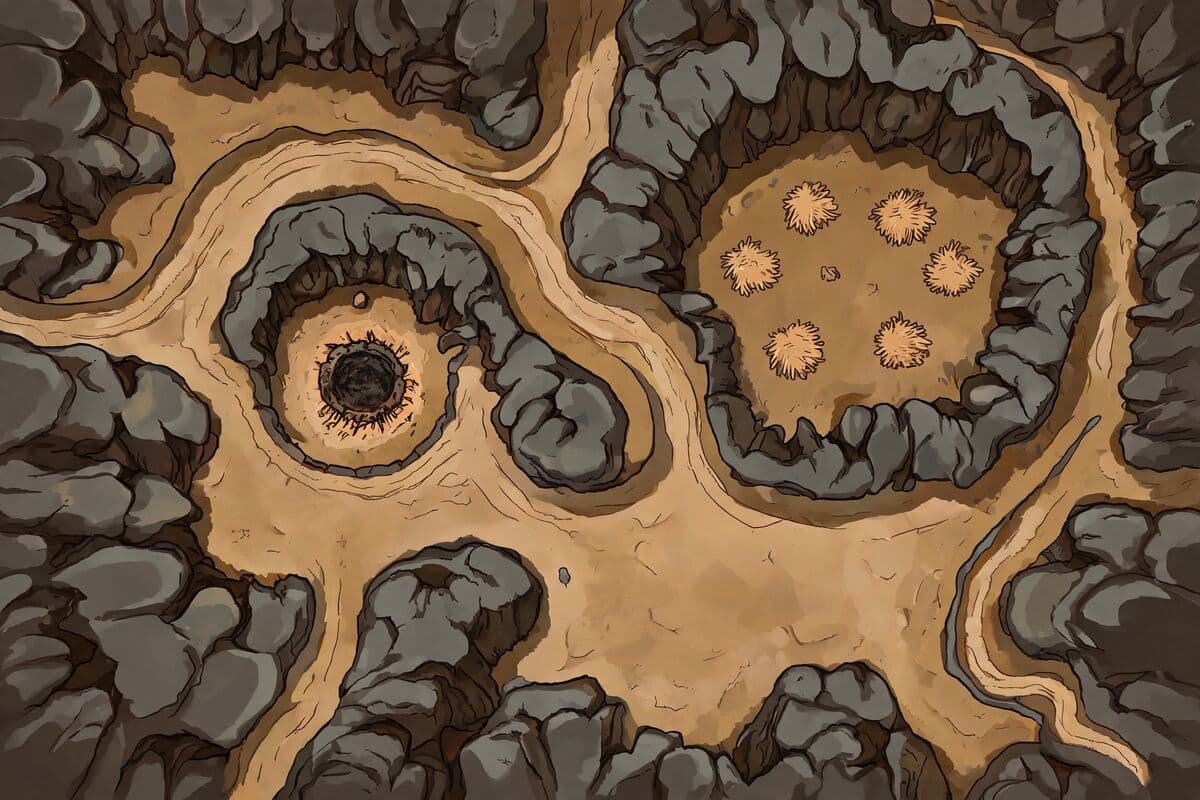
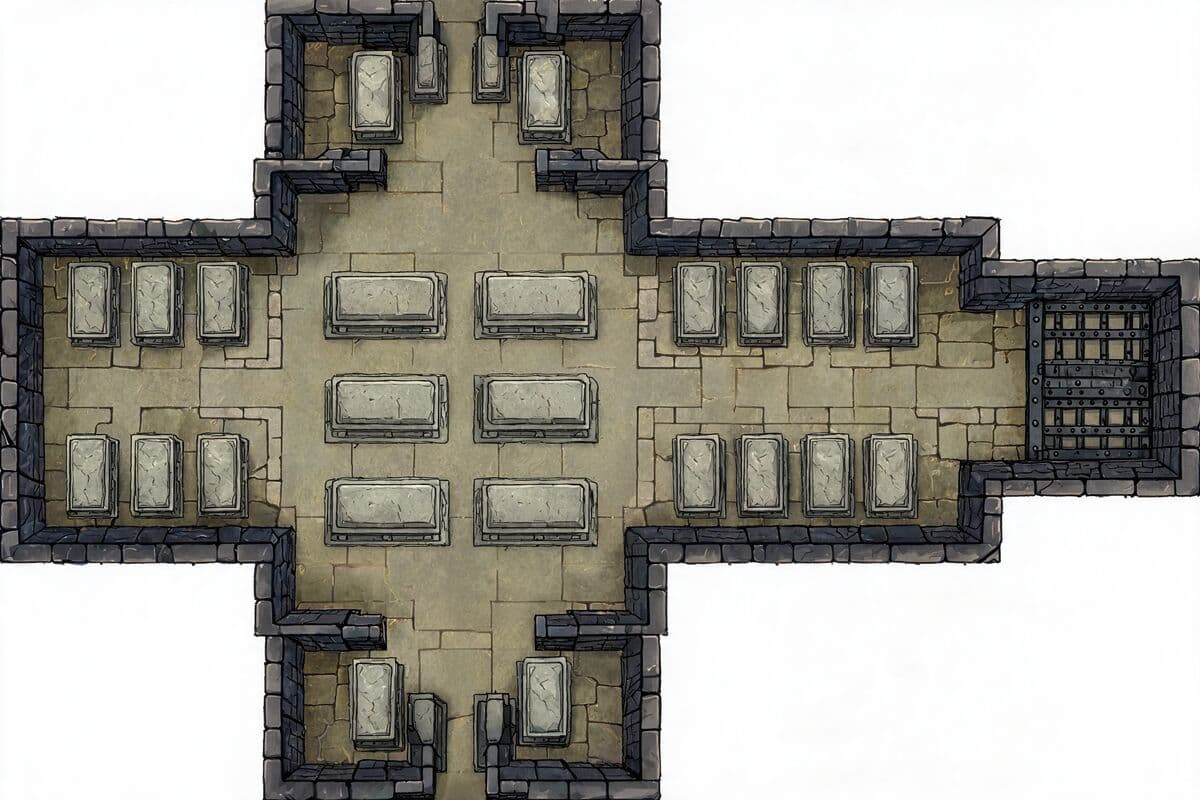
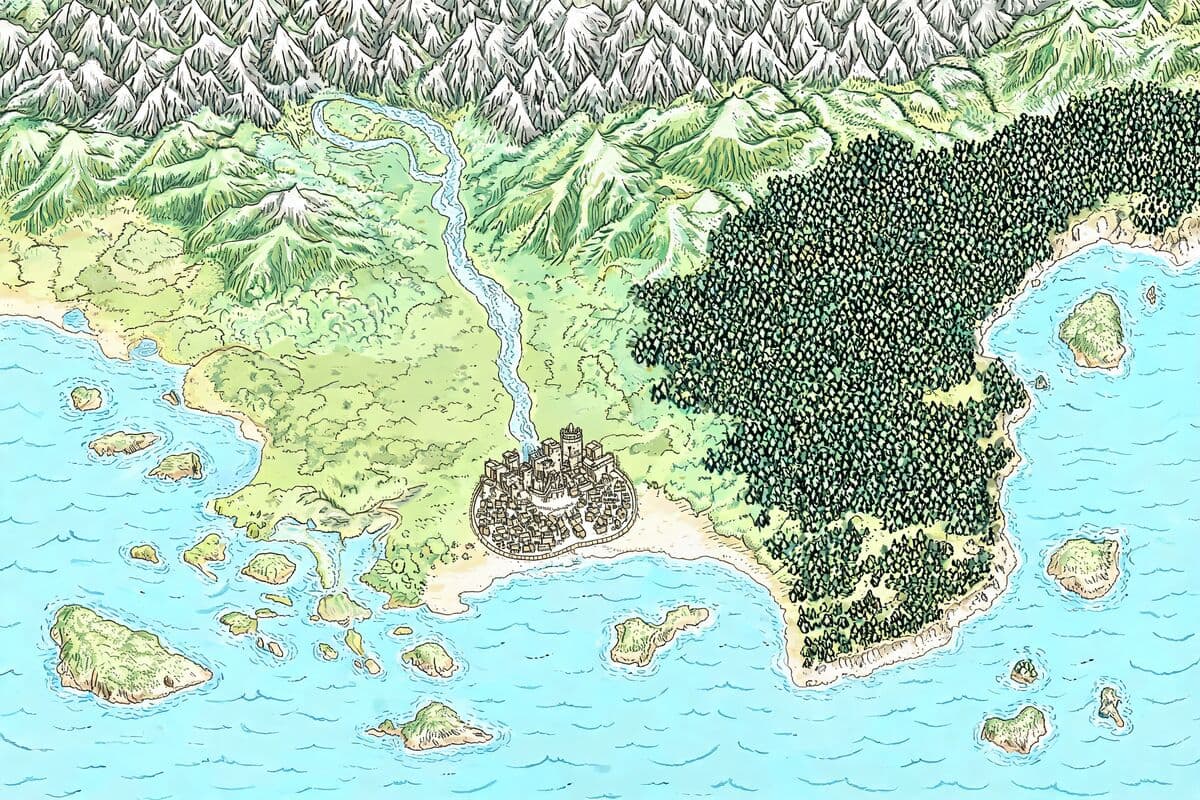
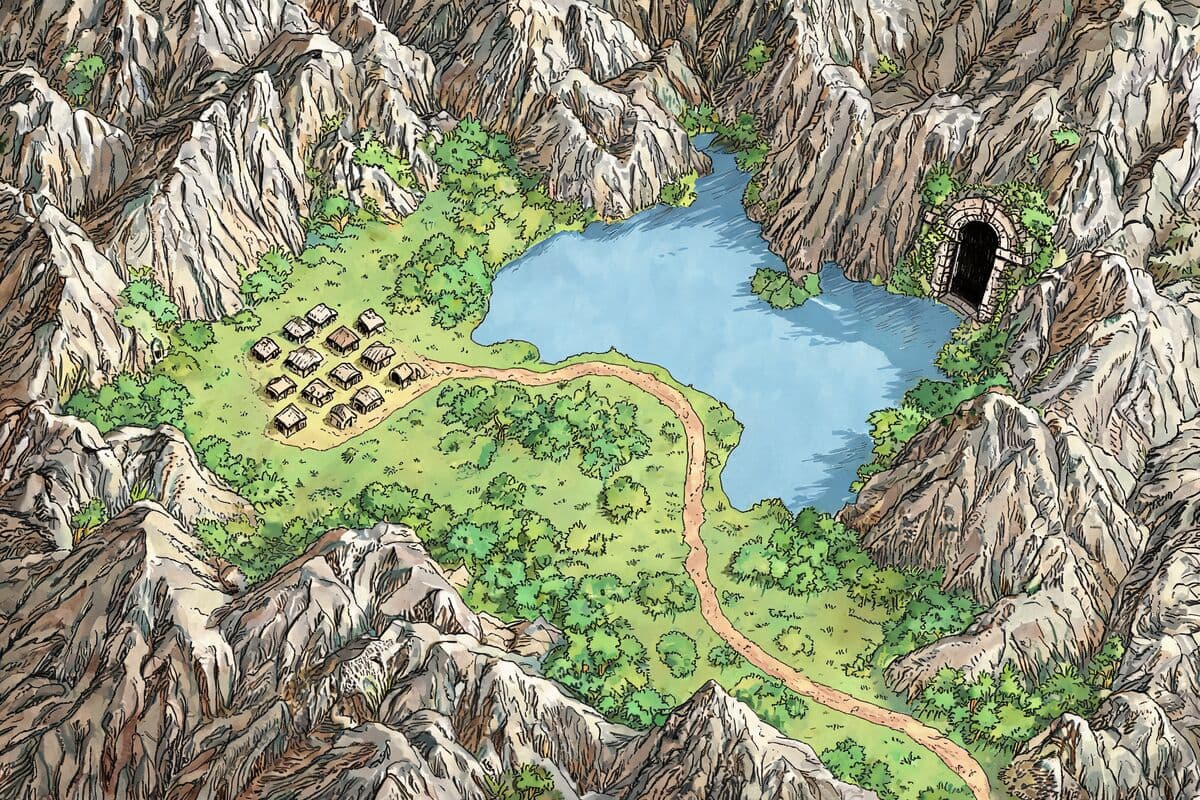
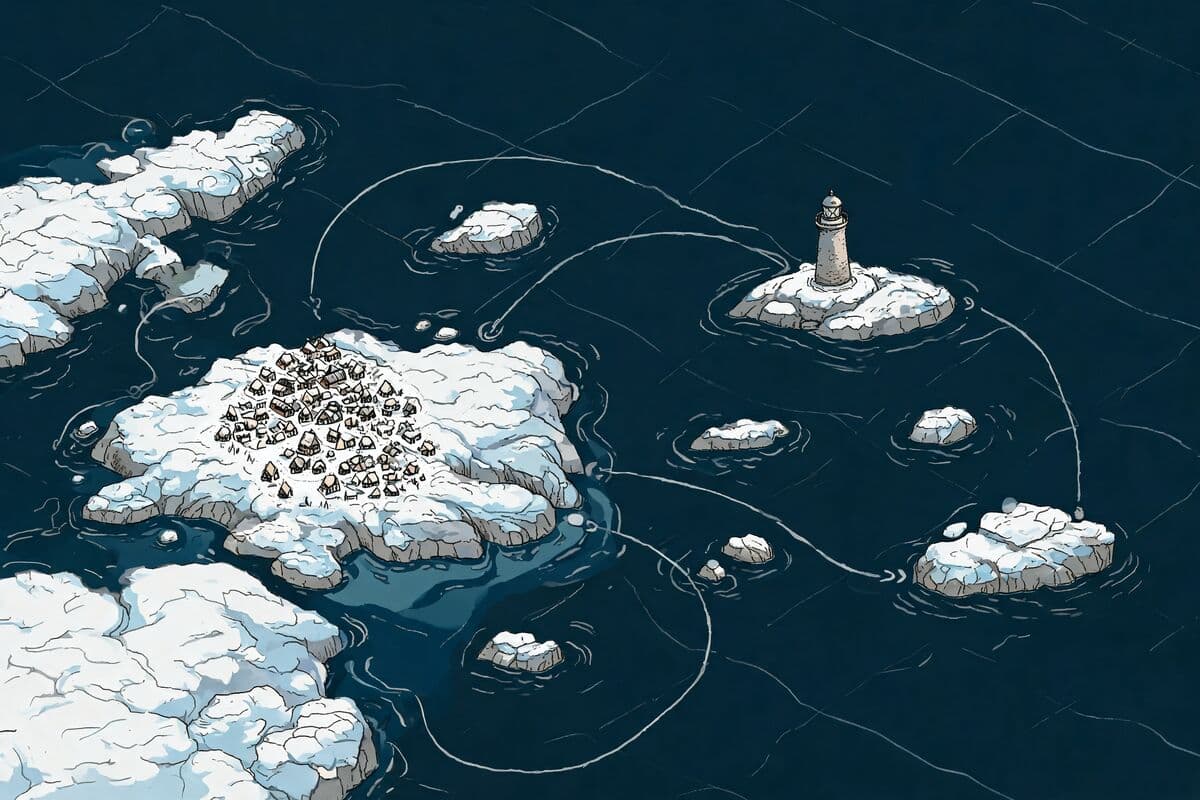
Four steps with this DnD map maker, all on one page. The second step is the one most map tools skip — and the one that decides whether the map is worth fighting on.
STEP 01
Name the setting — a flooded chapel, a forest stream crossing, a tavern with a back door. Plain words work.
STEP 02
Say where the cover is, where the water is, how the elevation changes, and where the second entrance leads. These are the details players will fight over.
STEP 03
Battle map, dungeon map or world map. Landscape, portrait or square.
STEP 04
Square for D&D 5E and Pathfinder, hex if your table runs on it — drawn at export, or left off if your VTT draws its own.
One DnD map generator for every scale of your campaign. Pick the map type above the prompt box and the generator handles the rest.
Battle maps are for the fight: a room, a clearing, a rooftop, a ship deck — one encounter, seen top-down, sized to your grid. Use it as a battle map generator when the party wanders somewhere you did not prep.
Dungeon maps are for the crawl: corridors, doors, dead ends and rooms the party has not opened yet. Use it as a dungeon map generator for a one-shot, or build a level room by room.
World and region maps are for everything above that: the coastline your campaign is anchored to, the valley the dungeon sits in, the town the party keeps returning to. It doubles as a fantasy map generator and an RPG map generator for D&D, Pathfinder, Call of Cthulhu and any system your table runs.
Pick the Print preset and every square exports at 150 pixels — print at 150 ppi and each square comes out at exactly 1 inch, the 5-foot square your miniatures stand on. Set how many squares the map spans and you get a printable DnD map sized to match.
Choose a square or hex grid, or leave the grid off if you lay a printed overlay on top.
The grid is drawn on the export, not painted into the artwork, so it stays straight and true to scale — no more resizing a PNG until the squares finally line up.
One honest note: the artwork is generated at screen resolution and scaled to fit the grid, so encounter-sized maps print crisp while table-sized prints look softer up close.
Download sized for your table: 70 px per square for Roll20, 100 px for Foundry VTT, 50 px for Fantasy Grounds. Set the scene's grid to the same size and the map lines up without a single resize — a VTT map generator that respects your grid.
Prefer the VTT's own grid? Export with no grid. The file is still sized to the preset, so a Roll20 battle map lands on whole squares when the VTT draws its grid on top.
The generator reads the same words you would say to a co-DM. Great prompts name the setting, the light, the cover and the way in:
“A flooded stone chapel at night. Two entrances, collapsed wall, waist-deep water on the west side, raised altar for high ground.”
Skip camera direction, UI terms and the words “high quality” — the generator already draws top-down, and those words change nothing tactical.
Skip creatures too. Tokens belong on top of the map in your VTT, not baked into the terrain. Generate an empty room, then place your monsters.
Twelve maps made with this generator — battle maps, dungeons and world maps — each with the one-sentence scene that produced it. Click any card to load its prompt into the generator — change the lighting, the season or the exit, and it is a new encounter.
Sign in with Google in one tap and your account starts with free credits — a signup bonus plus daily check-in rewards. No credit card, no trial timer. Each map costs 2 credits, and adding a grid or re-exporting at another size costs nothing.
Maps made on the free tier are yours to use at your own table — personal, non-commercial use. For commercial work like DMs Guild titles, Patreon campaigns and published adventures, generate on any paid plan, which includes a commercial license.
Yes. Describe the encounter in plain words and the generator produces a top-down battle map you can print or load into a virtual tabletop. No drawing skill and no map-making software required.
Yes — this one is free to start. New accounts get free credits (a signup bonus plus daily check-in rewards), so your first maps cost nothing and no credit card is needed.
Yes, a quick one: sign in with Google in one tap when you hit Generate. Your credits and your maps are kept on that account, and no credit card is needed.
Yes. Pick the Print preset and every square exports at 150 pixels, so printing at 150 ppi gives you 1-inch squares — the 5-foot square your miniatures stand on. Small encounter maps print crisp; table-sized prints look softer up close.
Yes. Export at 70 px per square for Roll20 or 100 px for Foundry VTT and set the scene's grid to the same size. You can also export without a grid and let your VTT draw its own.
Yes. Grid scale, not system rules, decides whether a map fits — so the same generator works for Pathfinder, Call of Cthulhu, OSR games and any table that fights on a grid.
Landscape, portrait or square maps, with a square grid, a hex grid or no grid. You choose how many squares the map spans and the pixel size per square at export.
Maps made on the free plan appear in the public gallery along with their prompts, so keep unreleased campaign secrets out of free-plan prompts. Paid plans can switch a map to private and hide its prompt, using Privacy options under the prompt box.
Yes, on any paid plan. Maps generated on a paid subscription can be used commercially — published adventures, DMs Guild titles, Patreon content. Maps generated on the free tier are licensed for personal, non-commercial use, like running them at your own table.
Describe the room, generate the map, add the grid, and put it on the table. The AI DnD map generator is free to start.
Generate My Map — Free