



Short-form and social creators
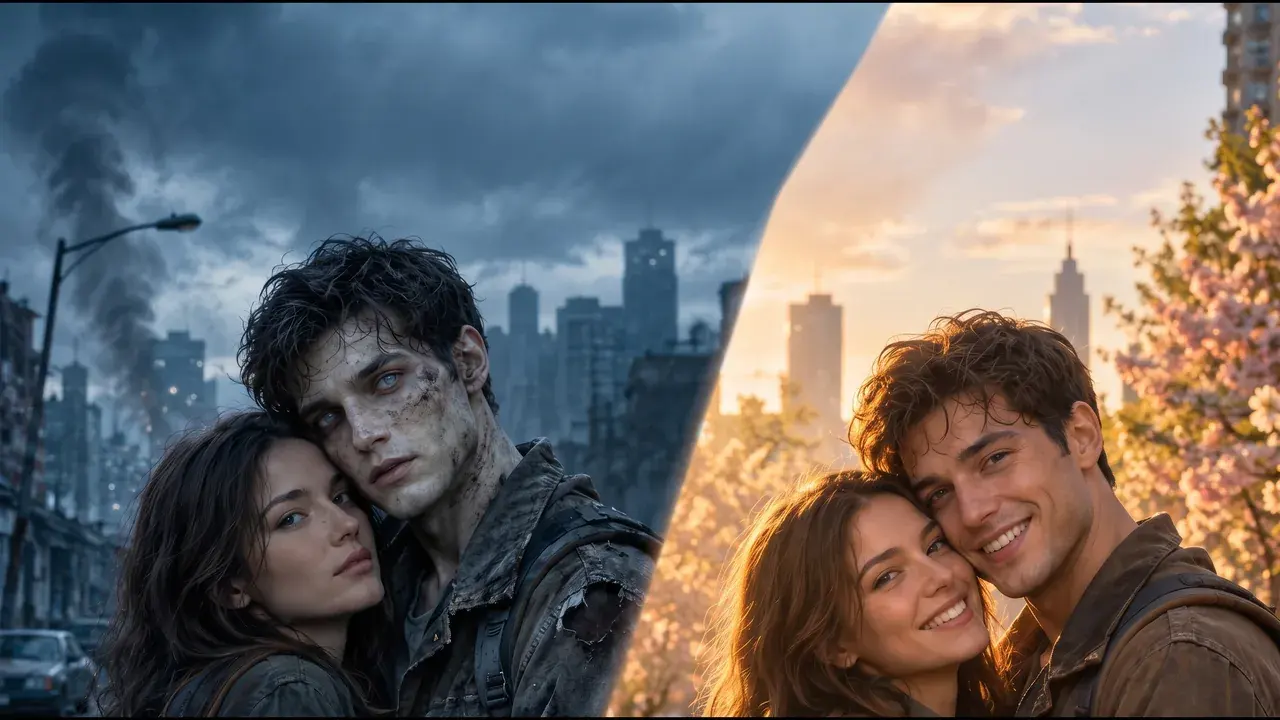
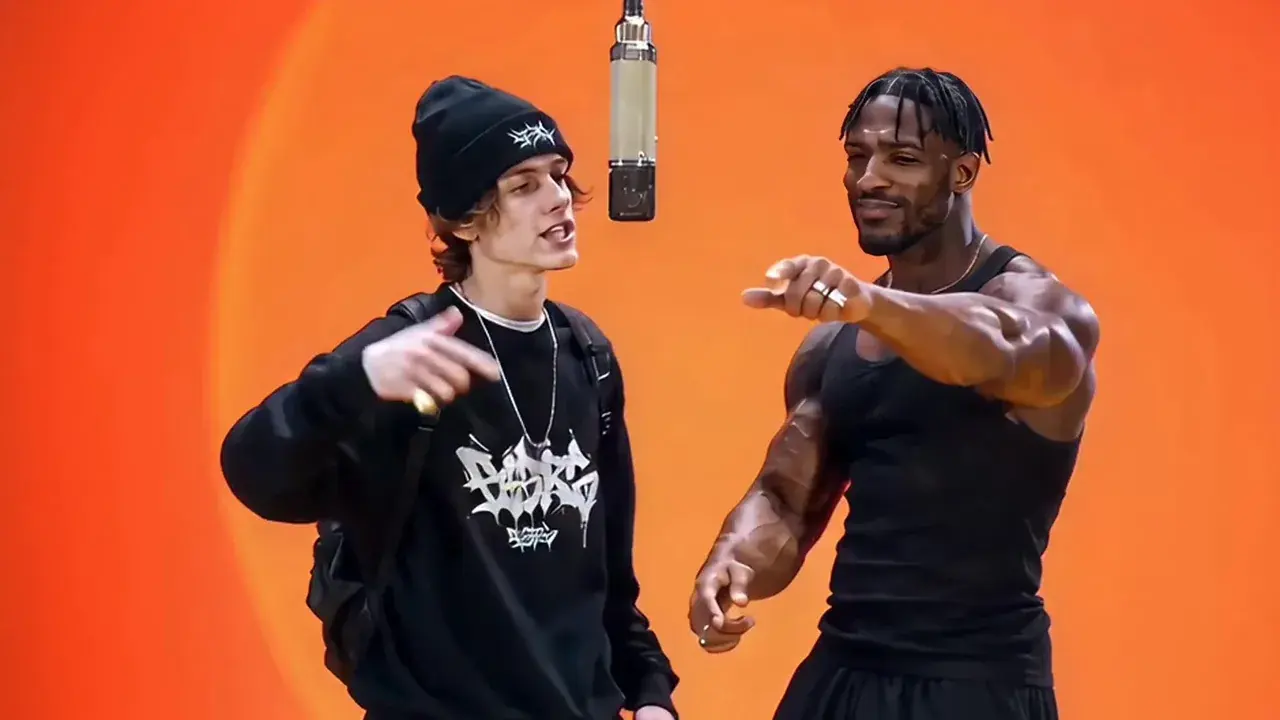
Get video content for Reels, TikTok, YouTube Shorts, or Stories without filming anything. Describe the scene, generate the clip, and post — the whole thing takes minutes instead of a half-day of shooting and editing.
AI Video
Write what you want to see moving, or upload a photo and let the AI animate it. Both modes run in the browser. No camera, no editing software, no render farm.
Every video model on Visiojoy has its own dedicated workspace with model-specific controls. Jump straight to the one that fits what you're making.
Skip the prompt. Pick a trending video format, upload your photos, and get the finished clip — the scene, the moves and the timing are already set up.
The parts that usually stop people — equipment, software, editing experience — aren't required here.
Everything runs in the browser. You don't need a camera, a microphone, video editing software, or a powerful machine. Open the workspace, describe what you want, and the video generates. The barrier to getting started is as low as it gets.
A clip is ready within minutes. That's quick enough to test two or three different prompts, compare the results, and land on what works — instead of committing hours to a production only to find the concept doesn't land. Iteration is practical here, not theoretical.
Upload a photo and the AI adds natural motion to it. A product image becomes a short demo clip. A landscape photo becomes a panning scene. If you already have strong visuals, image-to-video is the fastest way to add motion to channels that currently run on statics.
Text-to-video and image-to-video, with full control over model and clip length. All in one place.
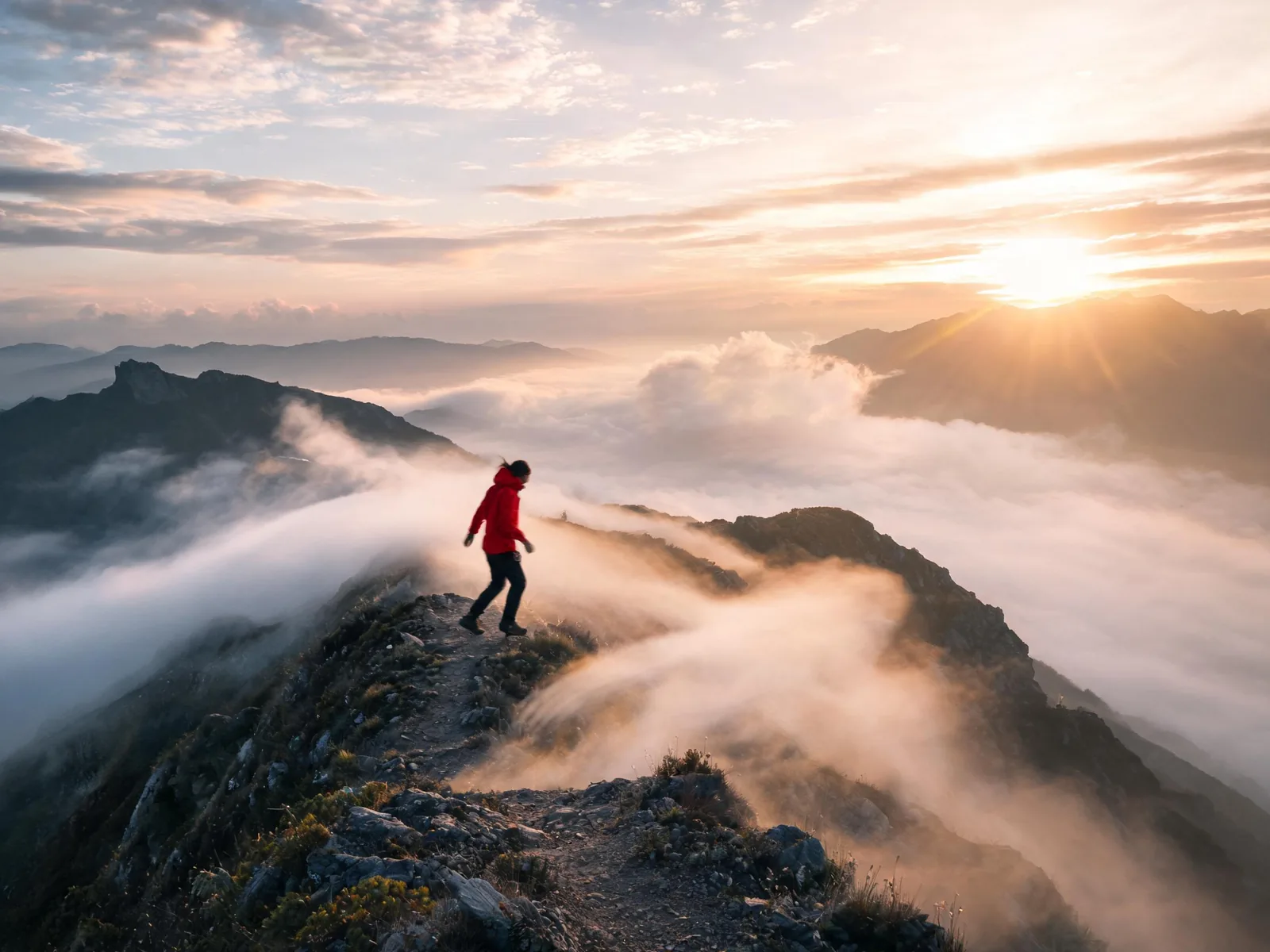
Write out what you want: the subject, the setting, the movement, the mood. The generator produces a short clip that matches your description — no timeline to build, no keyframes to set. Write it, generate it, done.
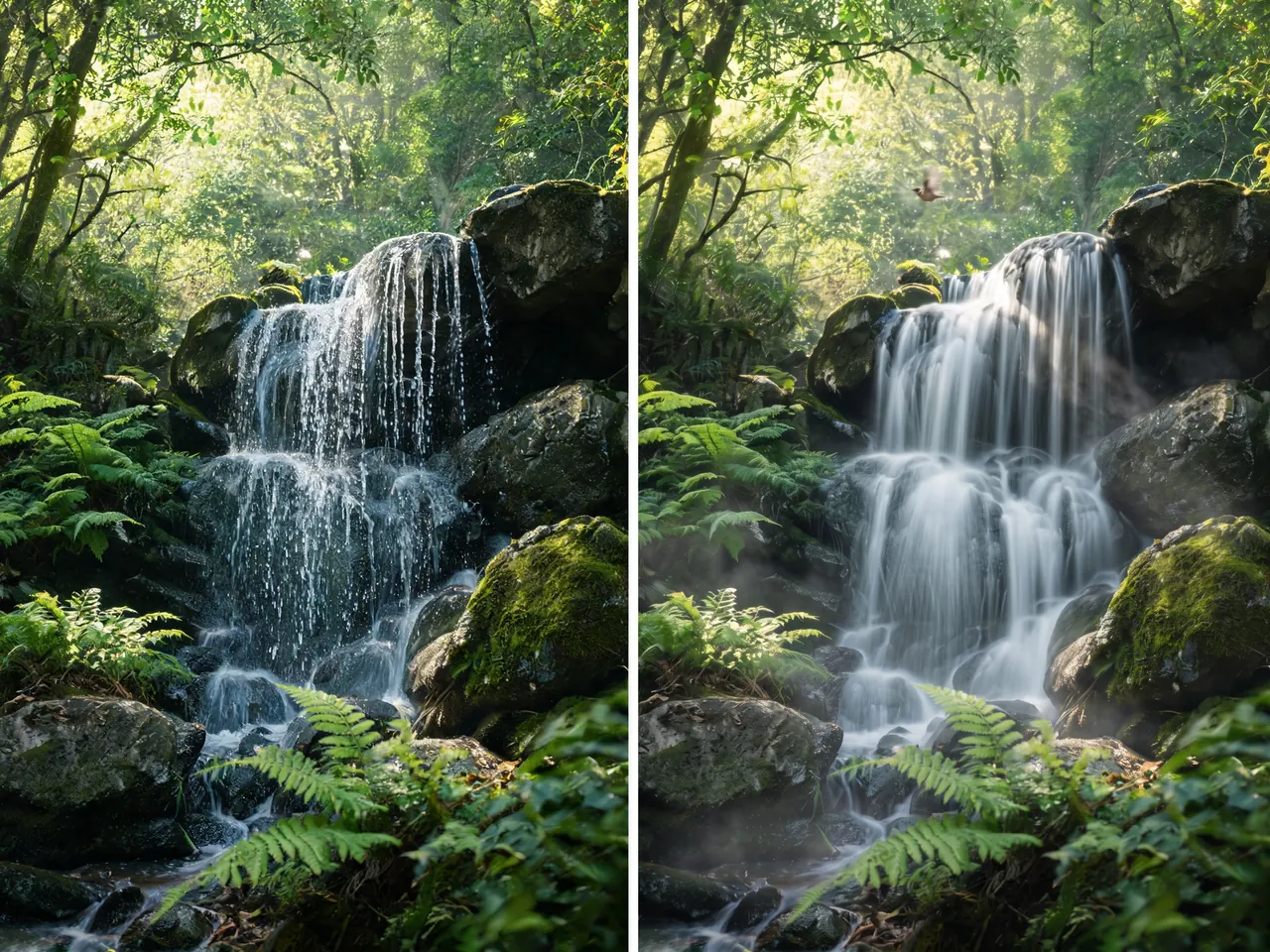
Upload a still photo and the AI animates it with natural movement. A landscape gets a slow pan. A product shot gets a subtle drift that draws the eye. Image-to-video keeps your original composition intact while adding the kind of movement that static images can't deliver.
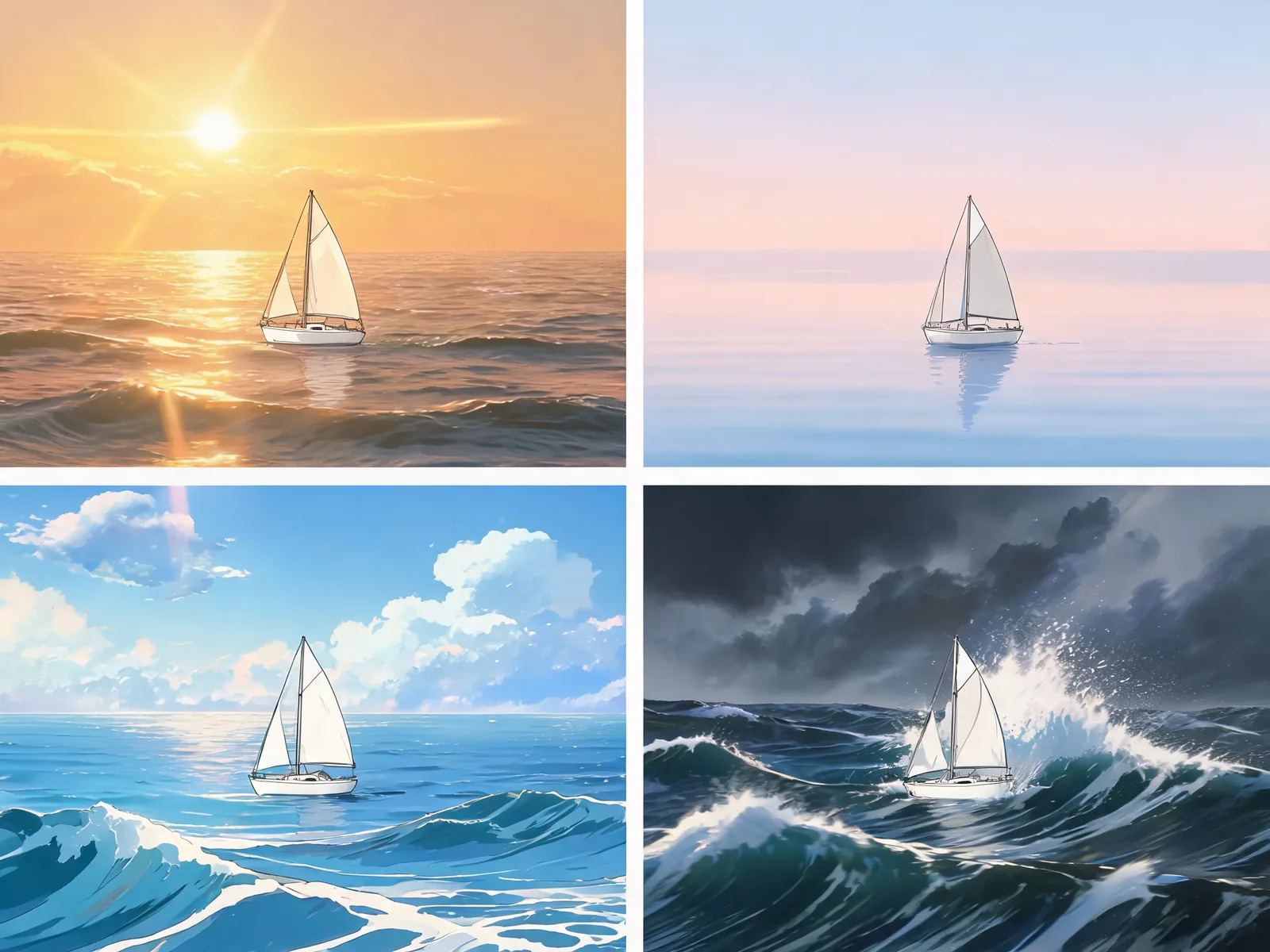
Different models produce different motion styles — cinematic, smooth, stylised, or dynamic. Set both the model and the clip duration before hitting generate, so the output matches the format you need without any post-editing. What you set up front is what you get.
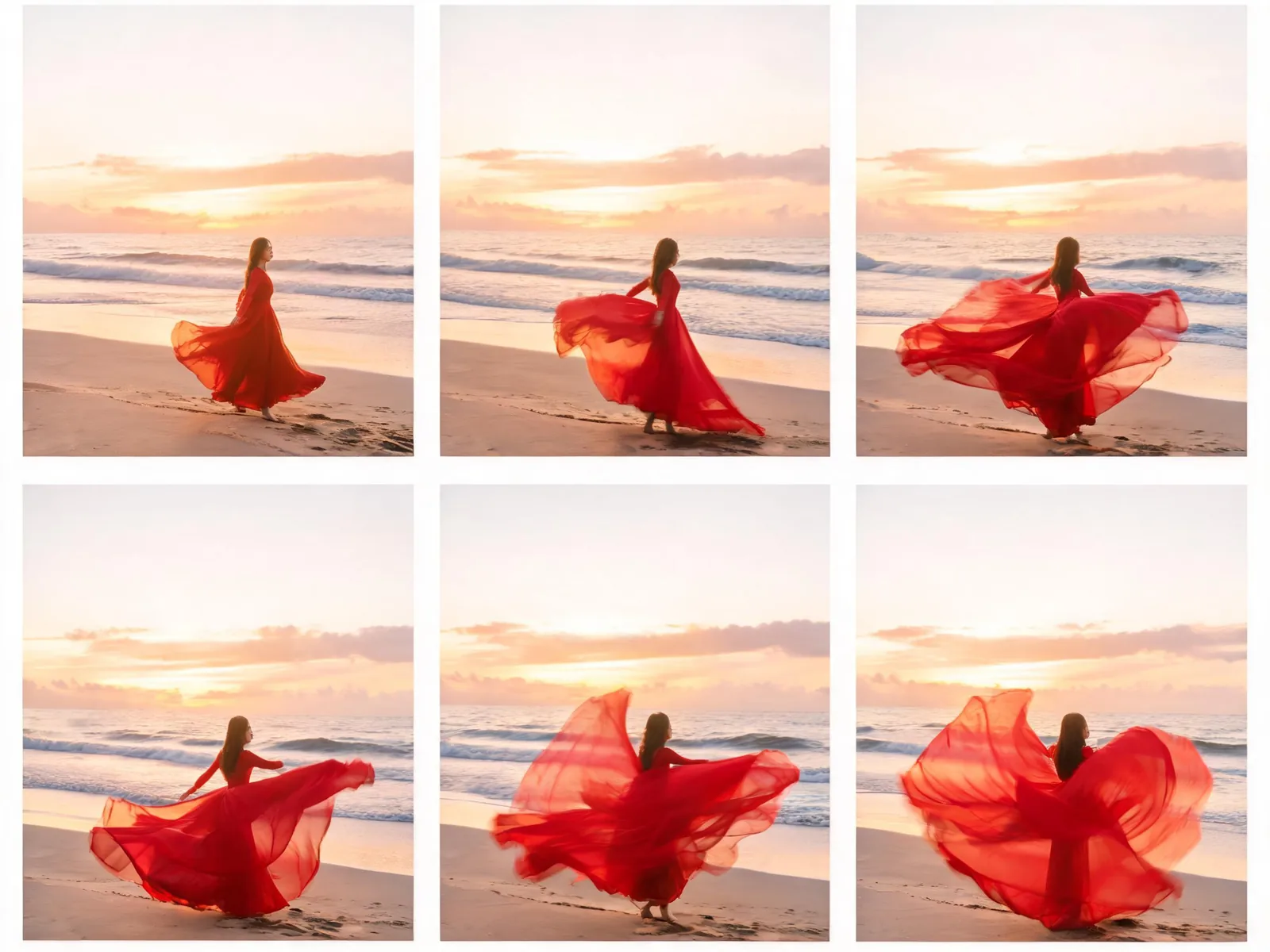
Generated clips play directly in the workspace so you can review before downloading. When the result is what you need, download at full quality and drop it straight into whatever you're working on — no format conversion, no extra step.
Three steps from idea to downloadable clip. Most generations are ready within minutes.
In text-to-video mode, describe the scene you want: the subject, the environment, what's moving, and the overall tone. In image-to-video mode, drop in a still photo and the AI takes it from there. Either way, your input is the only thing required to get started.
Choose the generation model that fits the visual style you're going for and decide how long the clip should be. Hit generate. Most clips are ready within a few minutes. A progress indicator shows where the generation is, so you're not left guessing.
The clip plays in the workspace as soon as it's done. Watch it, and if it's what you need, download at full quality. Use it in social posts, ads, product pages, presentations, or anything else that benefits from motion. Commercial use is included once you've made a purchase.
Short-form creators, marketing teams, product brands — the use cases are different but the workflow is the same.
Get video content for Reels, TikTok, YouTube Shorts, or Stories without filming anything. Describe the scene, generate the clip, and post — the whole thing takes minutes instead of a half-day of shooting and editing.
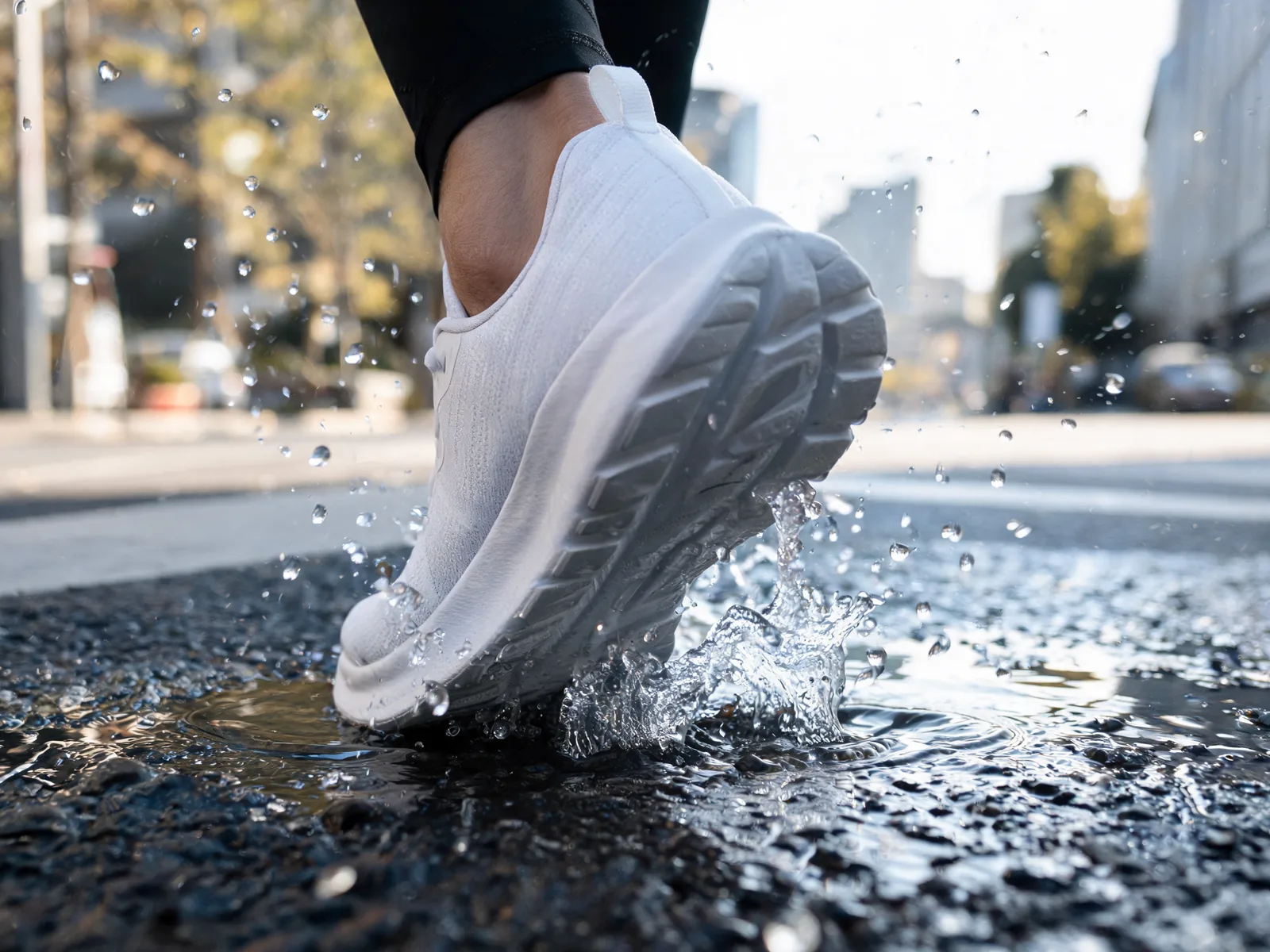
Test video creative concepts before committing to production. Generate several different approaches, show them to stakeholders, and lock in a direction without any production spend upfront. Cut the time between brief and first review from days to hours.

Turn your existing product photography into short video clips. Upload a product image, generate an animated version, and add it to your listing, email, or social feed — without organising a video shoot or bringing in a video editor.
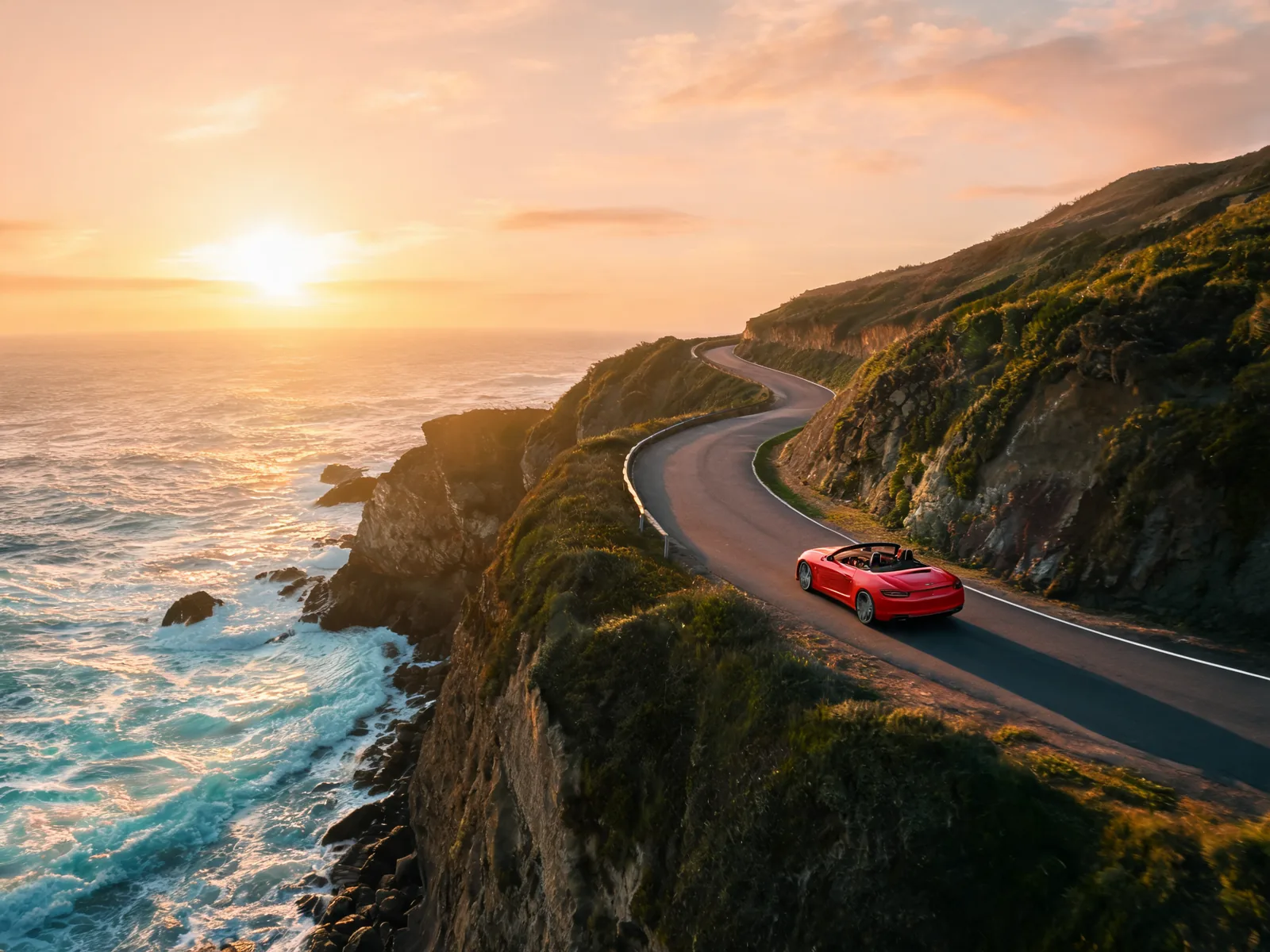
Move faster between phases without increasing headcount. Use generated clips for rapid concepting, client-facing previsualization, or lightweight deliverables when the full production version is still in progress. Show more, wait less.
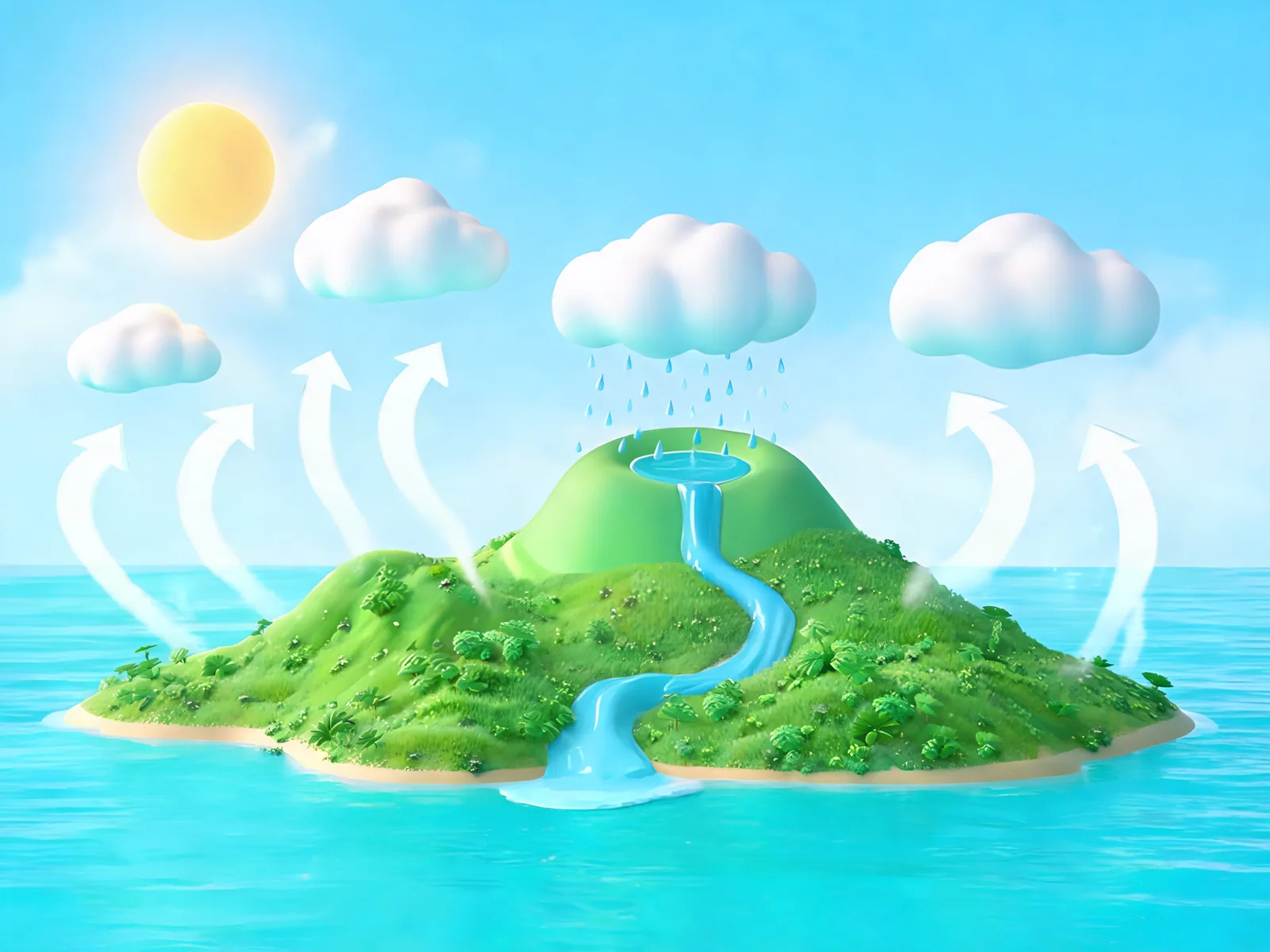
Illustrate concepts with short video clips instead of static images. Describe what you want to show, generate a clip, and embed it in your slides or course material. It works anywhere a still image currently does the job but motion would do it better.
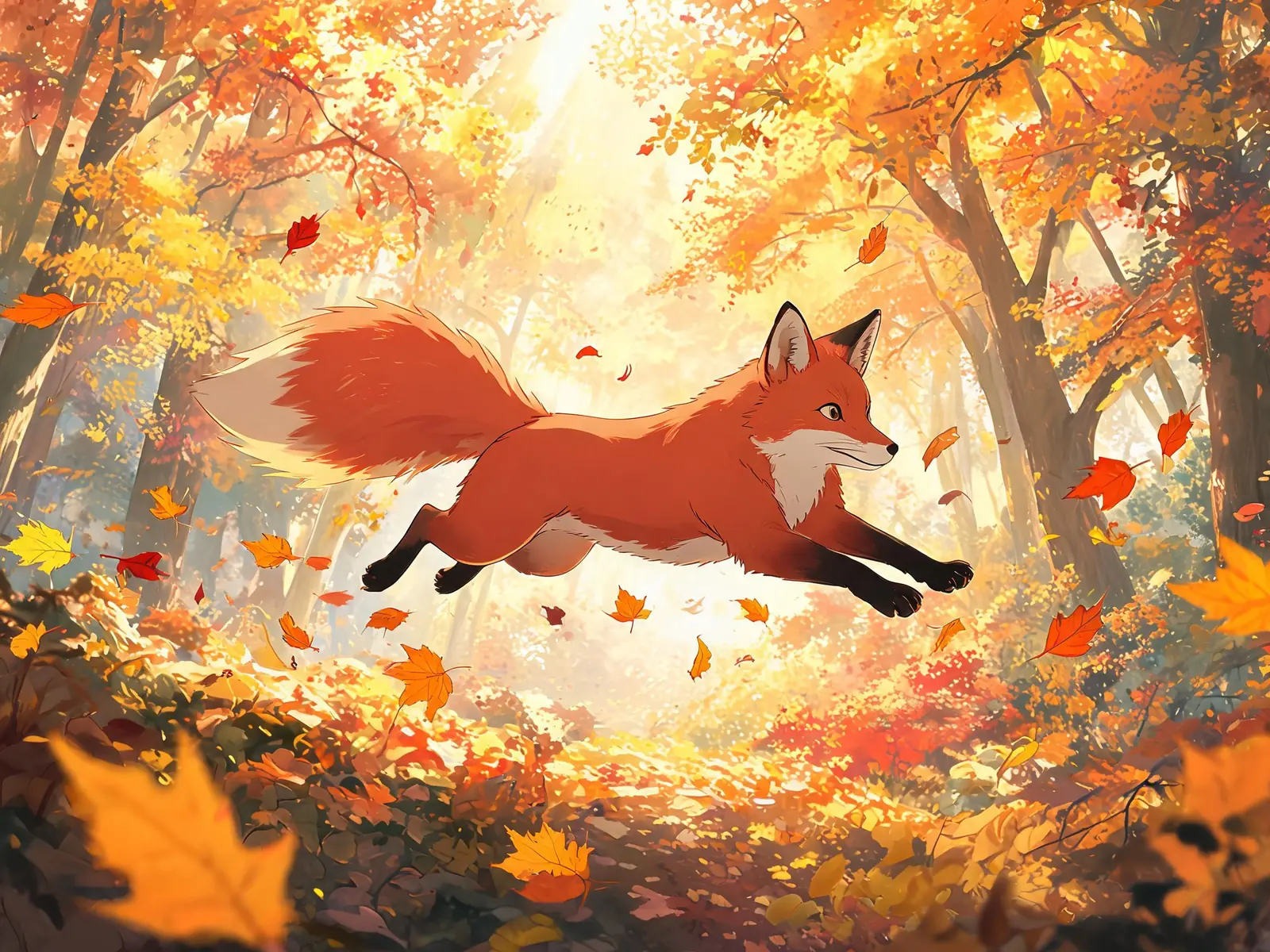
Make video for the things you actually care about — animated fan art, personal projects, creative experiments, things you'd make just to see if you could. New accounts start with free credits, so the only barrier is having an idea worth trying.
Straightforward answers about how the tool works and what you can do with it.
It creates short video clips from either a text description or a still image. You write what you want to see — or upload a photo — and the AI generates a moving clip that matches your input. No filming, no editing software, and no technical experience required.
Describe a scene or drop in a photo and see what the AI makes of it. New accounts get free credits to try it.
Start Creating for Free