Visiojoy LogoVisiojoy
  • Home
Create
  • AI Video
  • AI Image
  • MCPMCP
  • Pricing

Free AI Photo Generator —Describe It, Get the Picture

Visiojoy's AI photo generator turns a text description into a finished image in seconds, with no design skills and no software to install. Choose from multiple AI models, each with its own style. Already have a picture? Upload it as a reference and the AI photo generator applies the change you describe.

Built for people who need results, not tools to learn

Visiojoy removes the parts that slow most people down — the learning curve, the software, and the wait.

No design experience required

Describe what you want in plain language. The generator handles the visual work. You don't need to know colour theory, composition rules, or how to navigate a design tool. If you can put it into words, you can make it.

Fast enough to actually explore ideas

A generation takes seconds. That means you can try three different prompts, compare the results, and pick the direction that works — all before you'd have finished briefing a designer. Speed changes how you work, not just how fast.

Two approaches, one workspace

Start from scratch with a text prompt, or upload an existing image and describe how you'd like it changed. Switch between both modes without losing your session. The tool meets you at whatever stage your idea is at.

What you can make with an AI photo generator

Two generation modes. Full control over model, dimensions, and quality. Everything in one place.

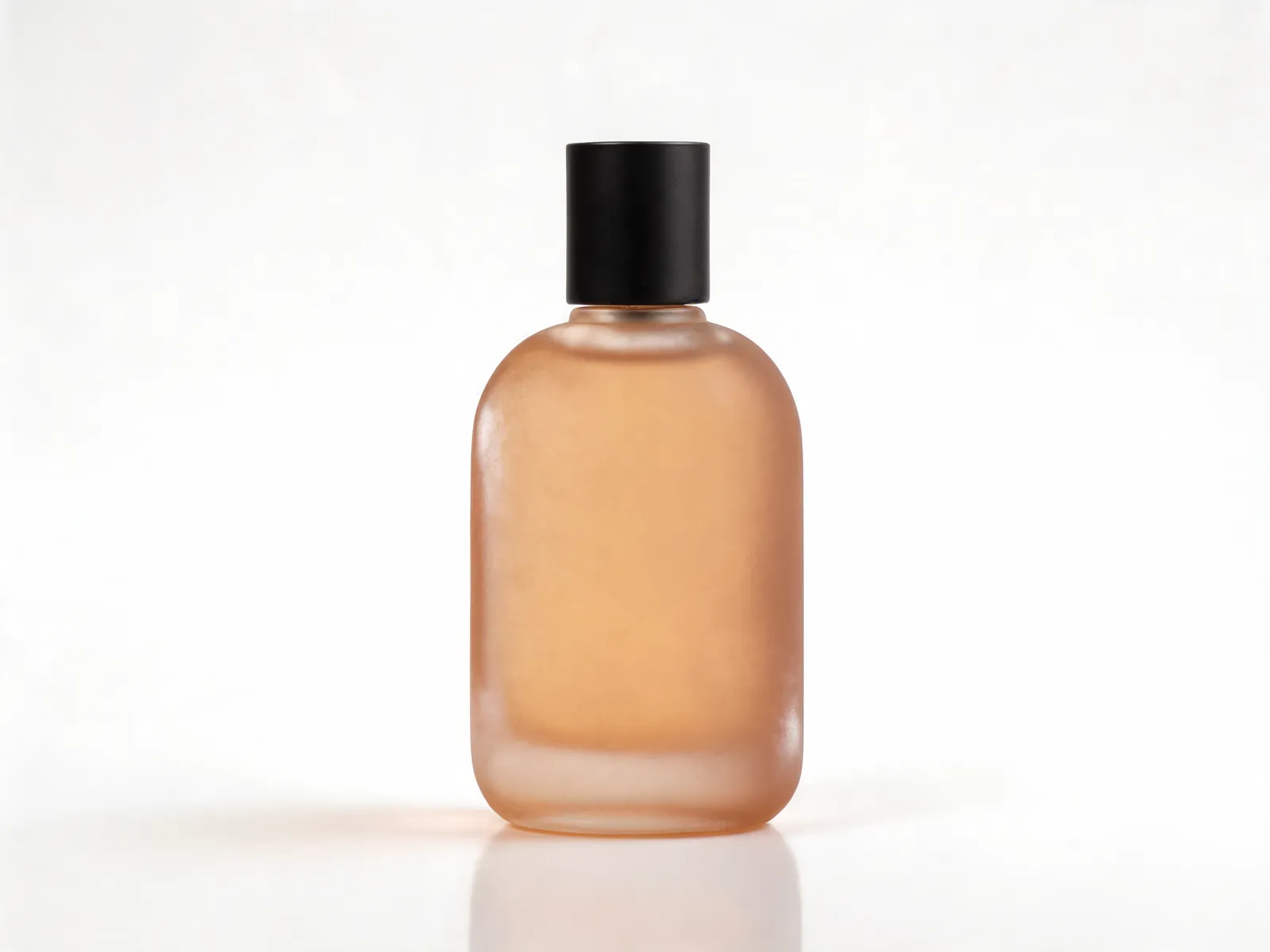
A photorealistic product shot of a frosted amber perfume bottle on a clean white background, generated from a text prompt with the AI photo generator.

Describe it, and it appears

Write out what you want — a product shot on a clean white background, a forest landscape at dusk, a bold graphic for a social post — and the generator produces it within seconds. No blank canvas, no layers to manage. You write, it builds. If prompts are all you work with, our dedicated text to image tool keeps the whole workspace focused on writing and generating.

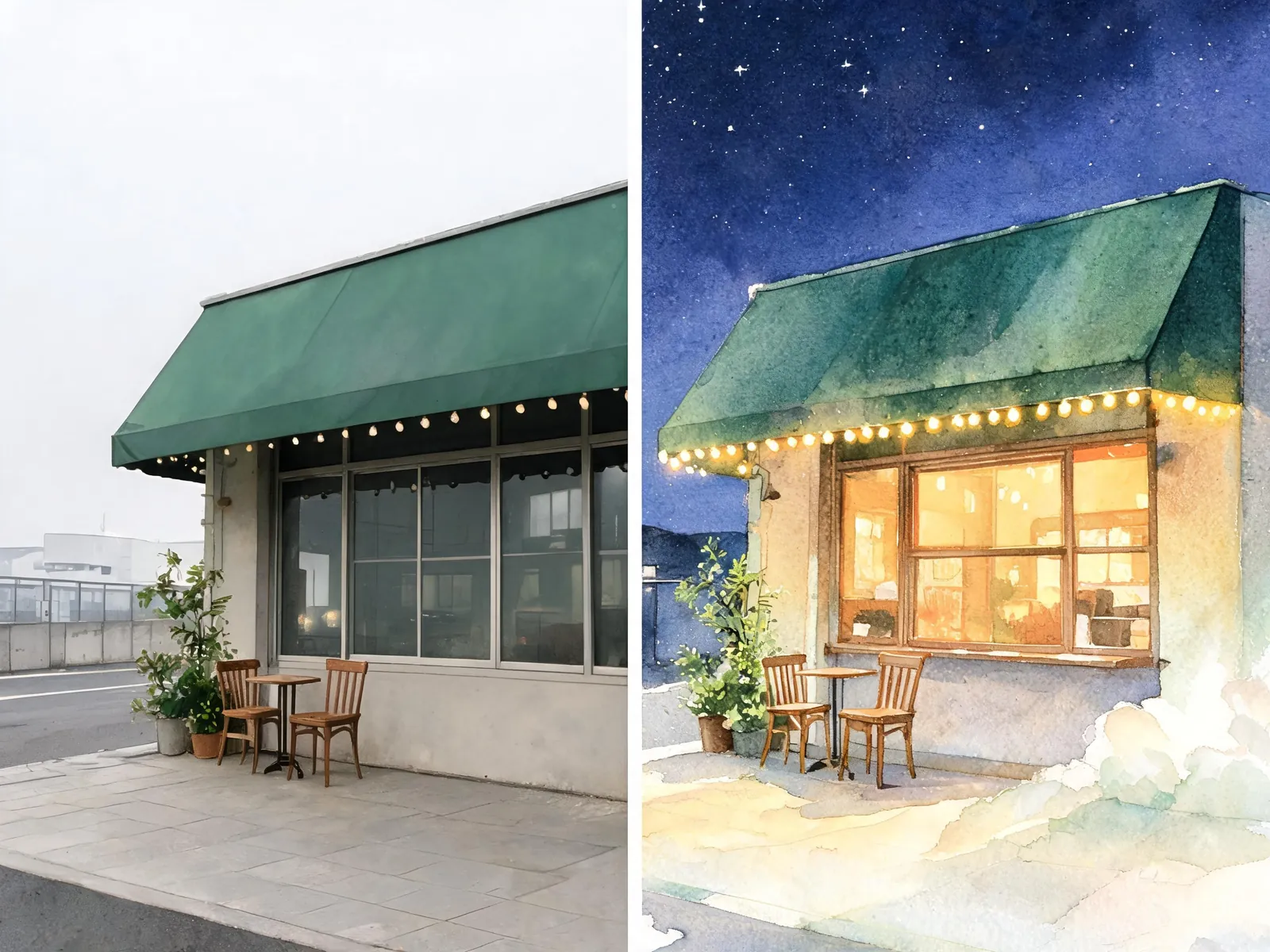
Before and after: an ordinary daytime photo of a corner cafe on the left, and the same cafe reimagined as a twilight watercolor illustration on the right.

Start from an image you already have

Upload a photo and describe what needs to change. Swap the background, apply a different style, or reimagine the scene entirely. The image-to-image mode preserves the structure you like and adjusts everything else — all from a written description.

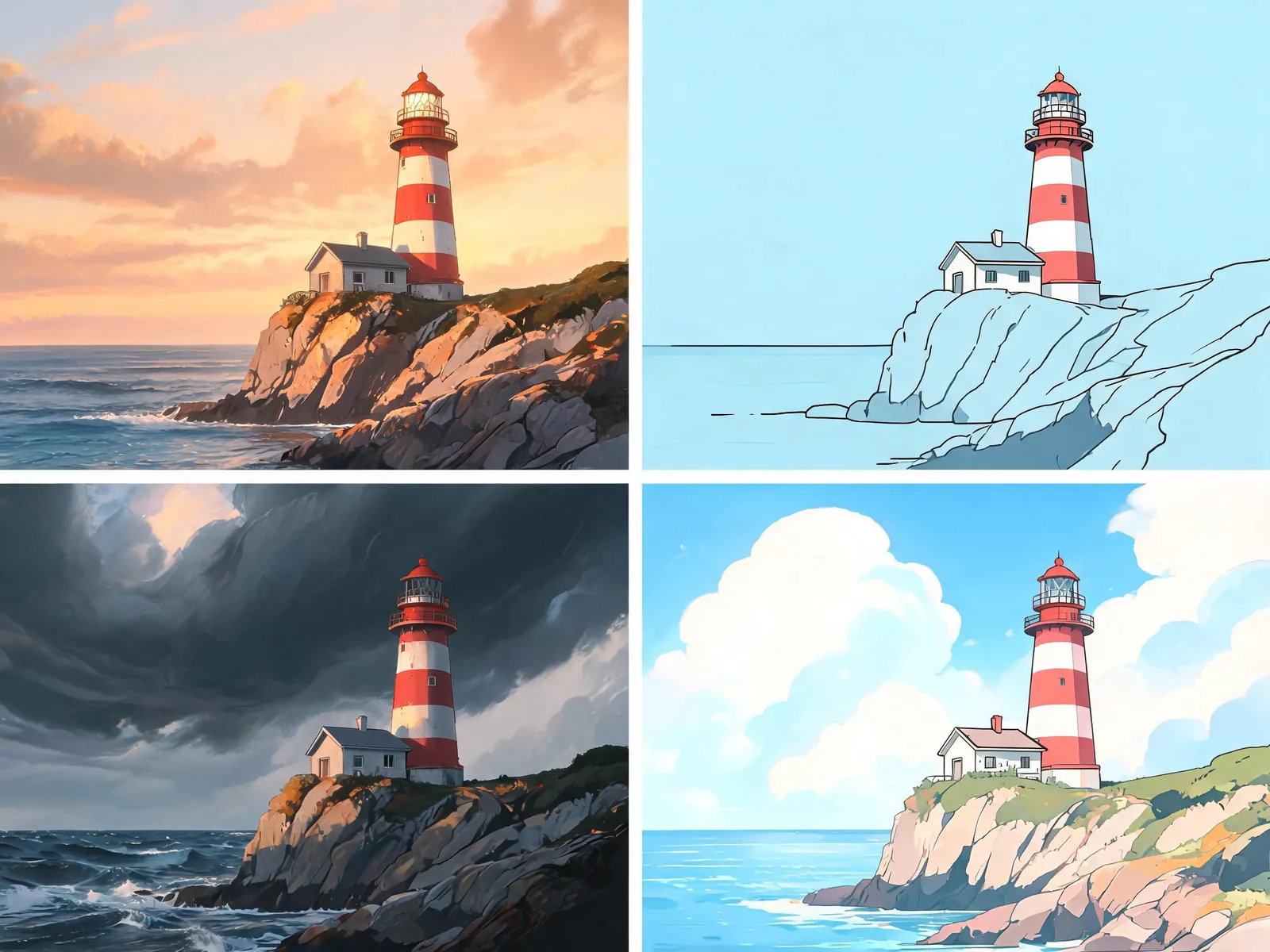
The same lighthouse scene rendered four ways — photorealistic, line illustration, stormy concept art and anime style — showing how different AI models change the result.

Pick the model that fits your output

Different generation models produce different results. Some are tuned for photorealism, others for illustration, concept art, or stylised aesthetics. You can switch between them in a single click — which matters when a product photo needs a different approach than a piece of artwork.

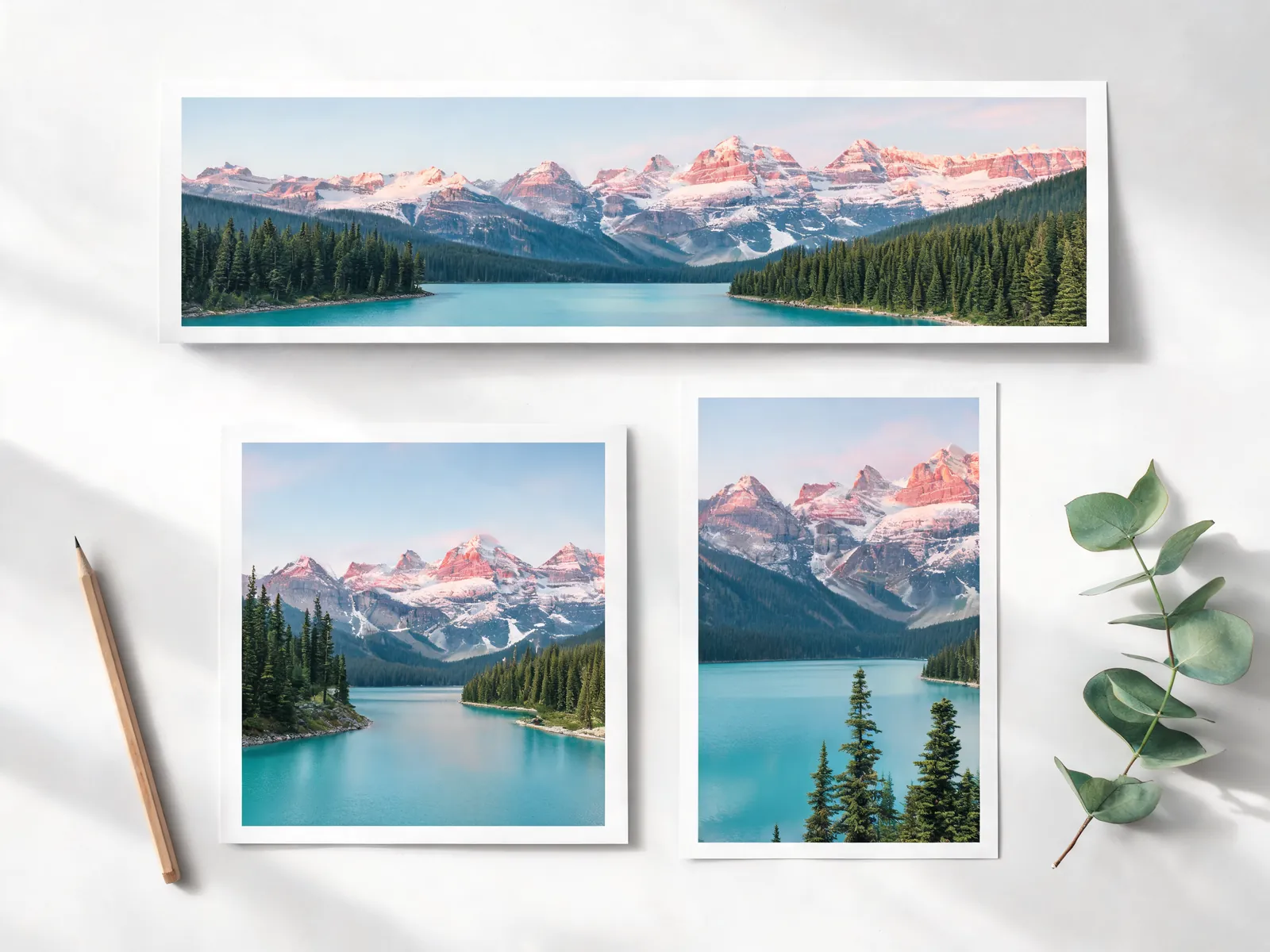
Three prints of the same mountain lake in panoramic, square and vertical formats, each composed for its own aspect ratio.

Set dimensions before you generate, not after

Choose your aspect ratio upfront — square for social posts, widescreen for banners, portrait for Stories. Dial in the quality level and request multiple variations in a single run. No cropping or resizing after the fact; you get what you actually need on the first pass.

Pick the AI photo model built for the job

Visiojoy's AI photo generator runs on the latest image models from Google, OpenAI, ByteDance and Black Forest Labs. Each one has its own strengths — here's what each is best at.

View all image models
  • Nano Banana 2.1Best at: Quality at speed
  • Nano Banana ProBest at: Instruction fidelity
  • Nano Banana 2Best at: Fast iteration
  • Nano Banana 2 LiteBest at: Low-cost iteration
  • GPT Image 1.5Best at: Text rendering and edits
  • GPT Image 2Best at: Draft-to-asset workflow
  • GPT Image 2.5Best at: Flare drafts, Sunburst polish
  • Seedream 5 LiteBest at: Cost-efficient generation
  • Seedream 5 ProBest at: Structural fidelity and text
  • Seedream 4.5Best at: Cinematic realism
  • Flux 2 ProBest at: Color and layout precision

How the AI photo generator works

Three steps. The whole thing takes under a minute.

1

Write your prompt — or upload a photo

Describe the image you want in plain English: the subject, the mood, the style, any specific details. The more concrete your description, the closer the result to what you pictured. If you're working from an existing image, upload it and describe the change instead.

2

Generate and compare

Results come back in seconds. You can request multiple variations in a single run and look at them side by side. If something's close but not right, adjust the prompt and try again — each iteration is fast enough that exploring feels practical, not tedious.

3

Download and put it to work

Save the image you want at the resolution and format that fits your project. Use it for social posts, ad creatives, website pages, presentations, or client deliverables. Once you've made a purchase, what you create includes commercial use, so there's no extra clearance step before publishing.

A few of the ways people use it

From solo creators to marketing teams — the same tool, different workflows.

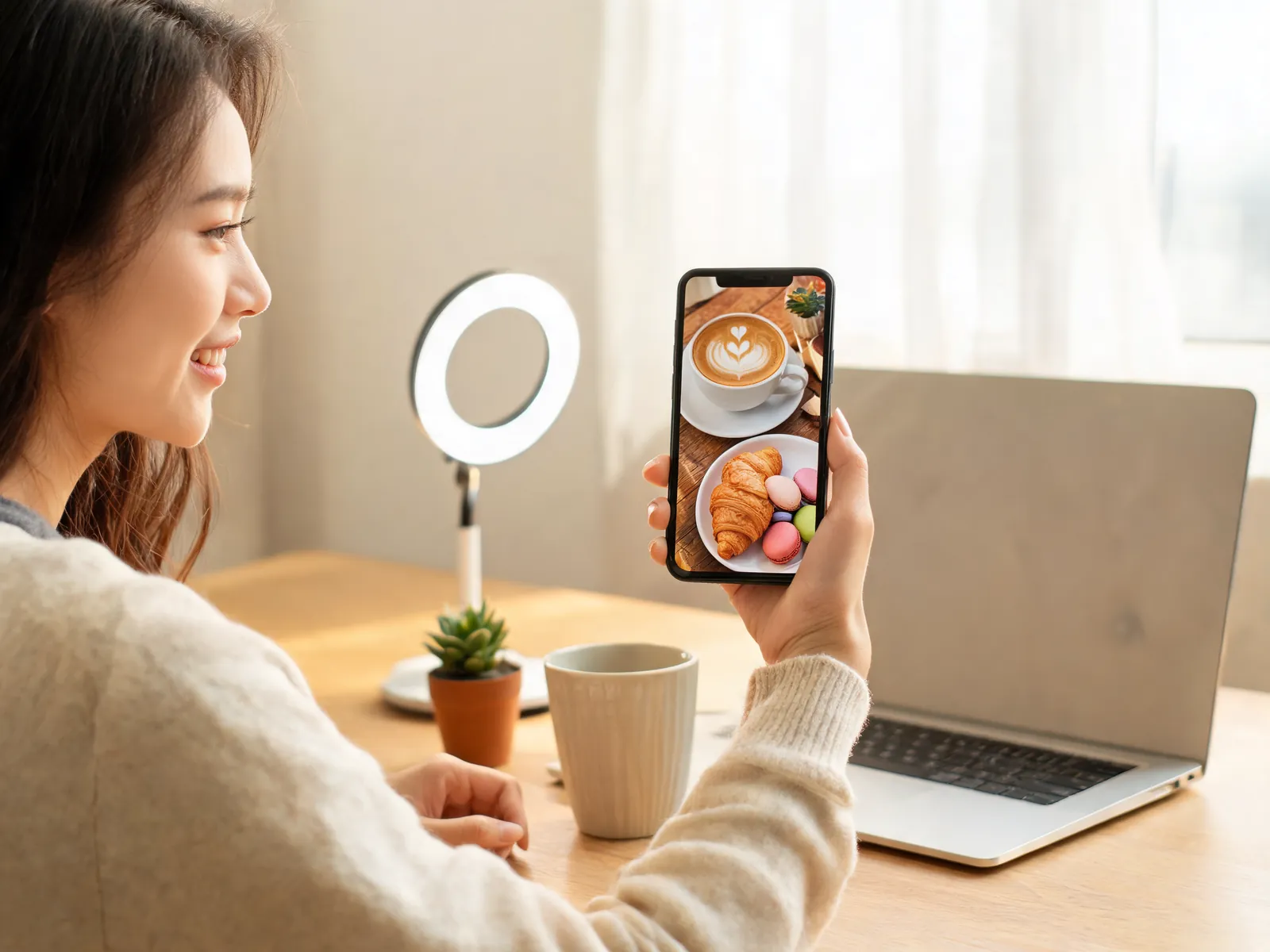
A content creator at a home desk looking at a latte-and-pastries photo on her phone, ready to post to social media.

Content and social creators

Generate visuals for every post without waiting on a designer. Describe the mood and format you need — thumbnail, Story, grid post — and get something ready to publish in under a minute. Keep your output consistent without repeating the same stock images.
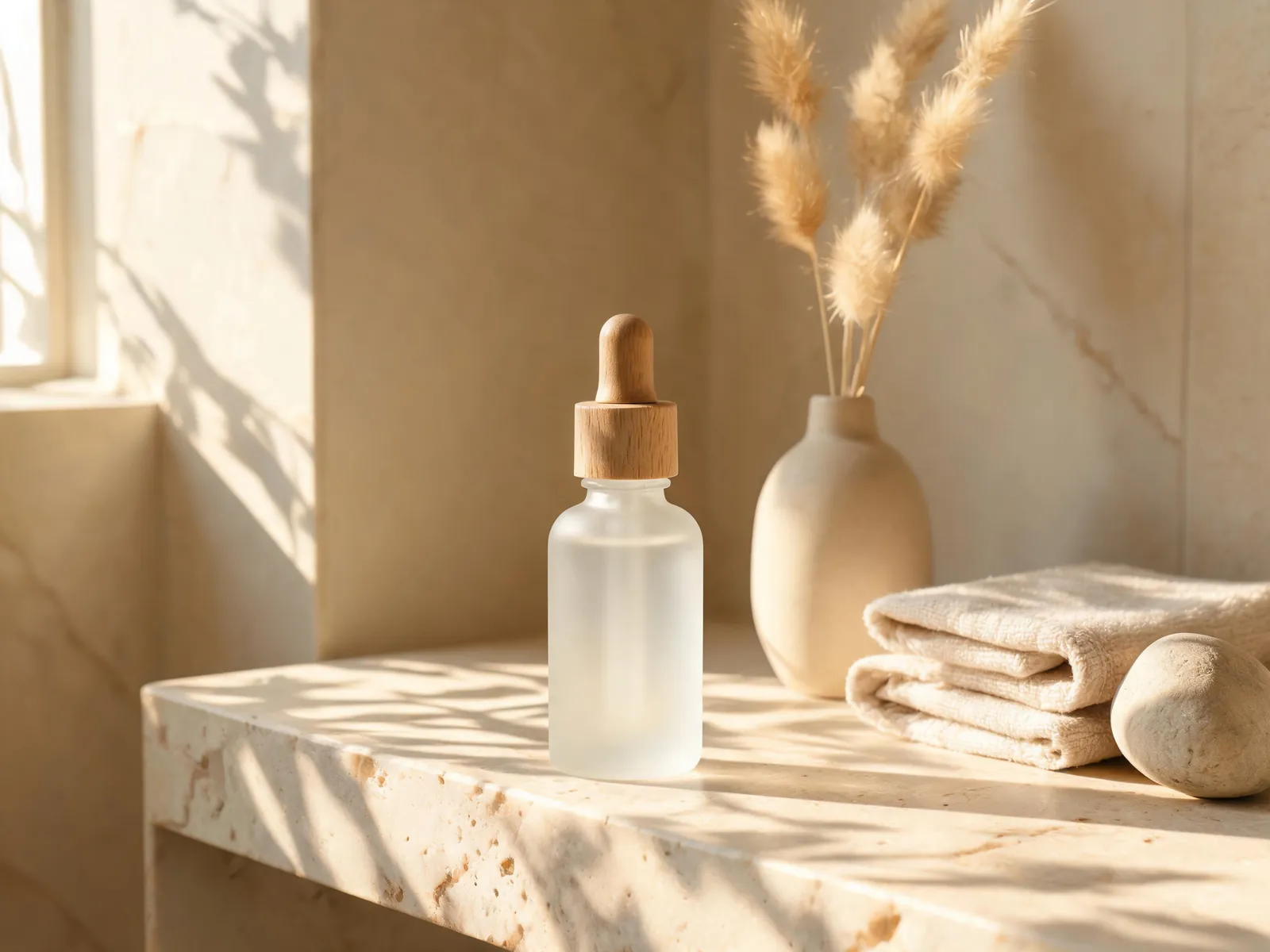
A lifestyle product photo of a frosted glass serum bottle on a stone bathroom shelf in warm morning light.

Ecommerce sellers and product brands

Create lifestyle visuals and promotional banners without booking a studio or a photographer. Describe the setting, generate several options, and choose what works. You can build out a full image library in a fraction of the time a traditional shoot would take.

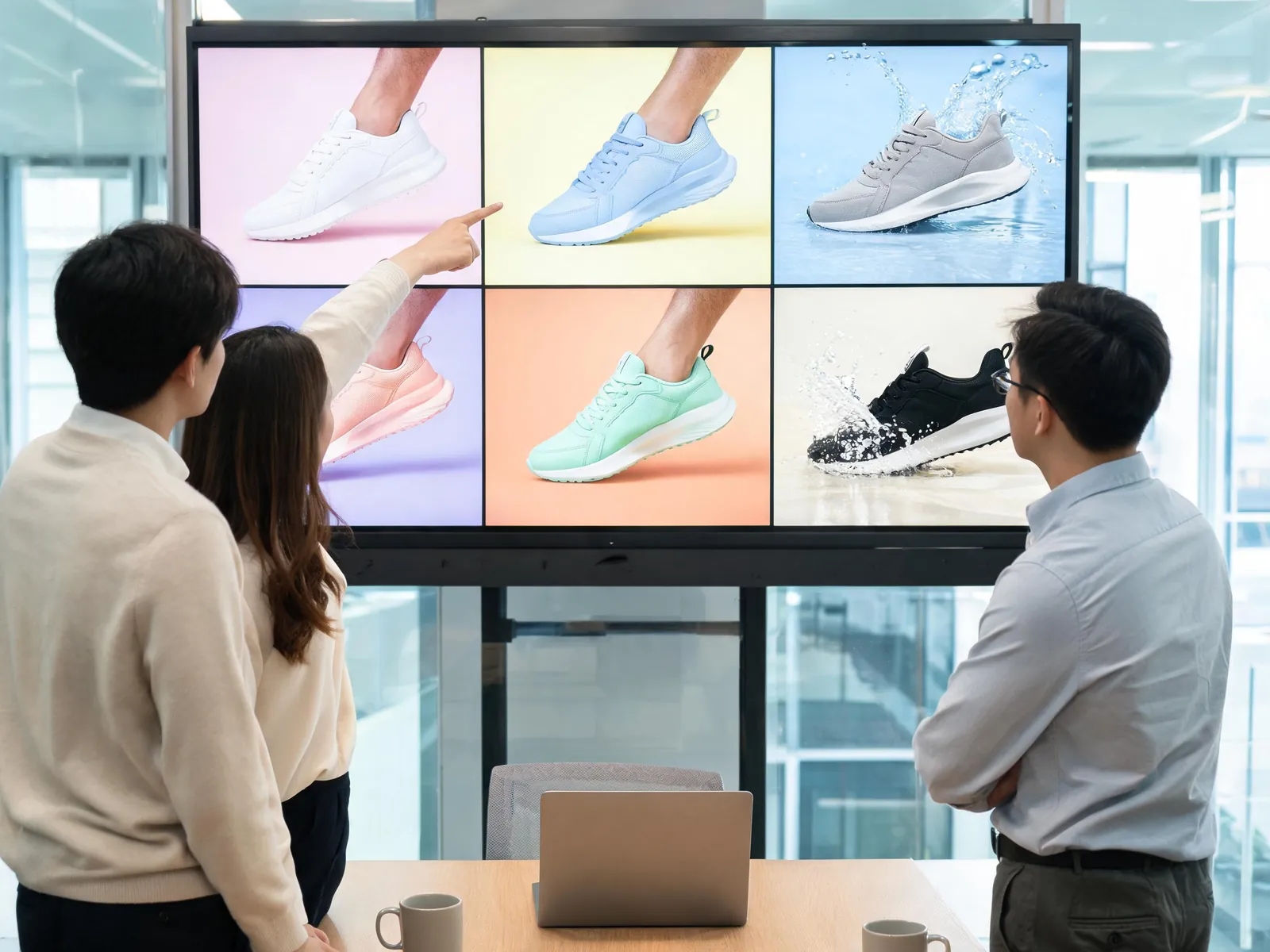
A marketing team reviewing a grid of colorful sneaker campaign visuals on a large meeting-room display.

Marketing and ad teams

Test concepts before committing to production. Generate hero images, banner variations, and visual directions to show stakeholders before any budget is spent. Iterate quickly so the creative review process doesn't become the bottleneck.

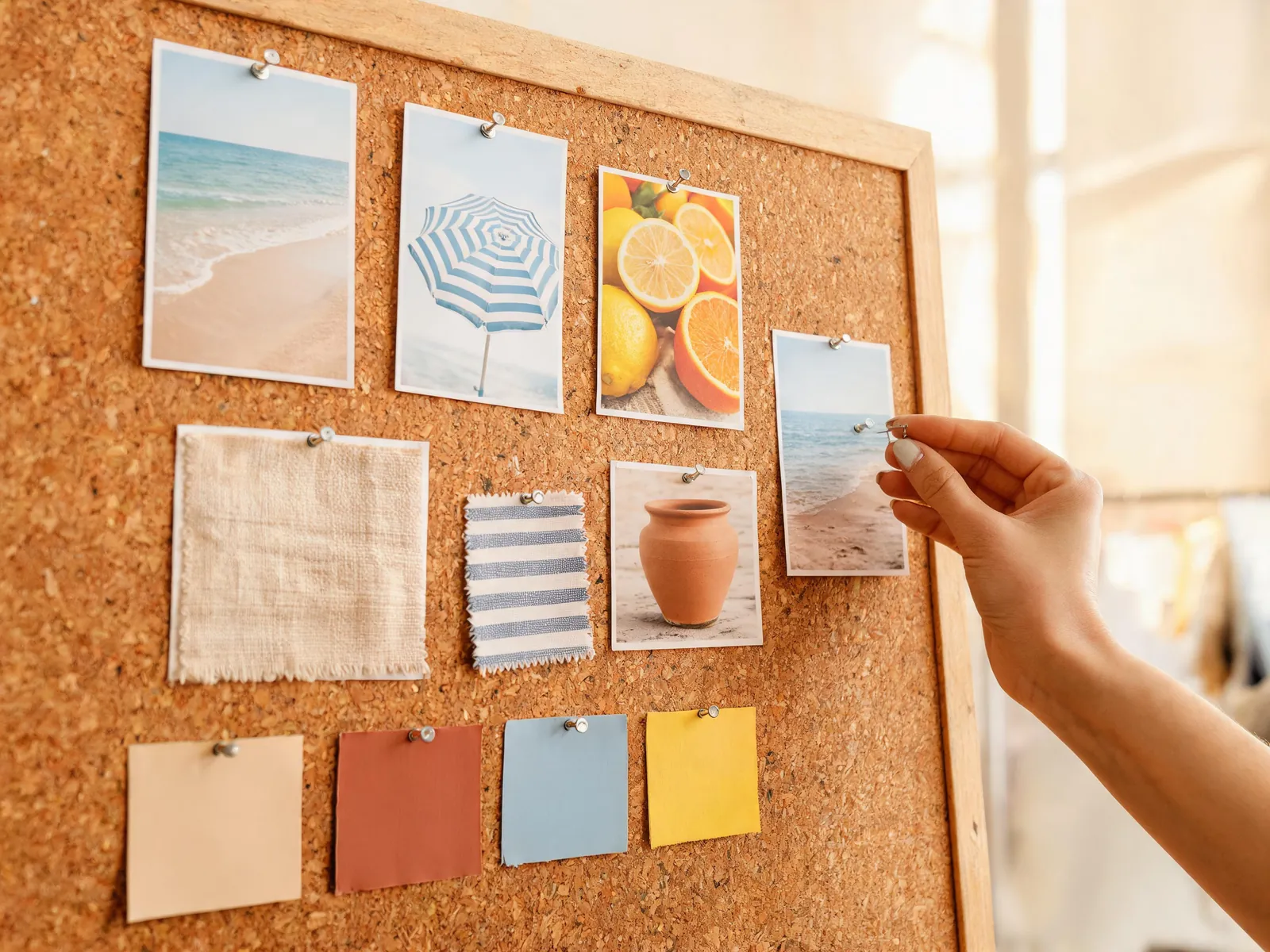
A designer pinning reference images, fabric samples and color swatches onto a cork mood board for a summer brand concept.

Designers who need a faster starting point

Use generated images to explore visual directions before committing to a final approach. Produce rough references for mood boards, test colour palettes, or sketch out composition ideas — without spending hours in a tool before you know if the direction is right.

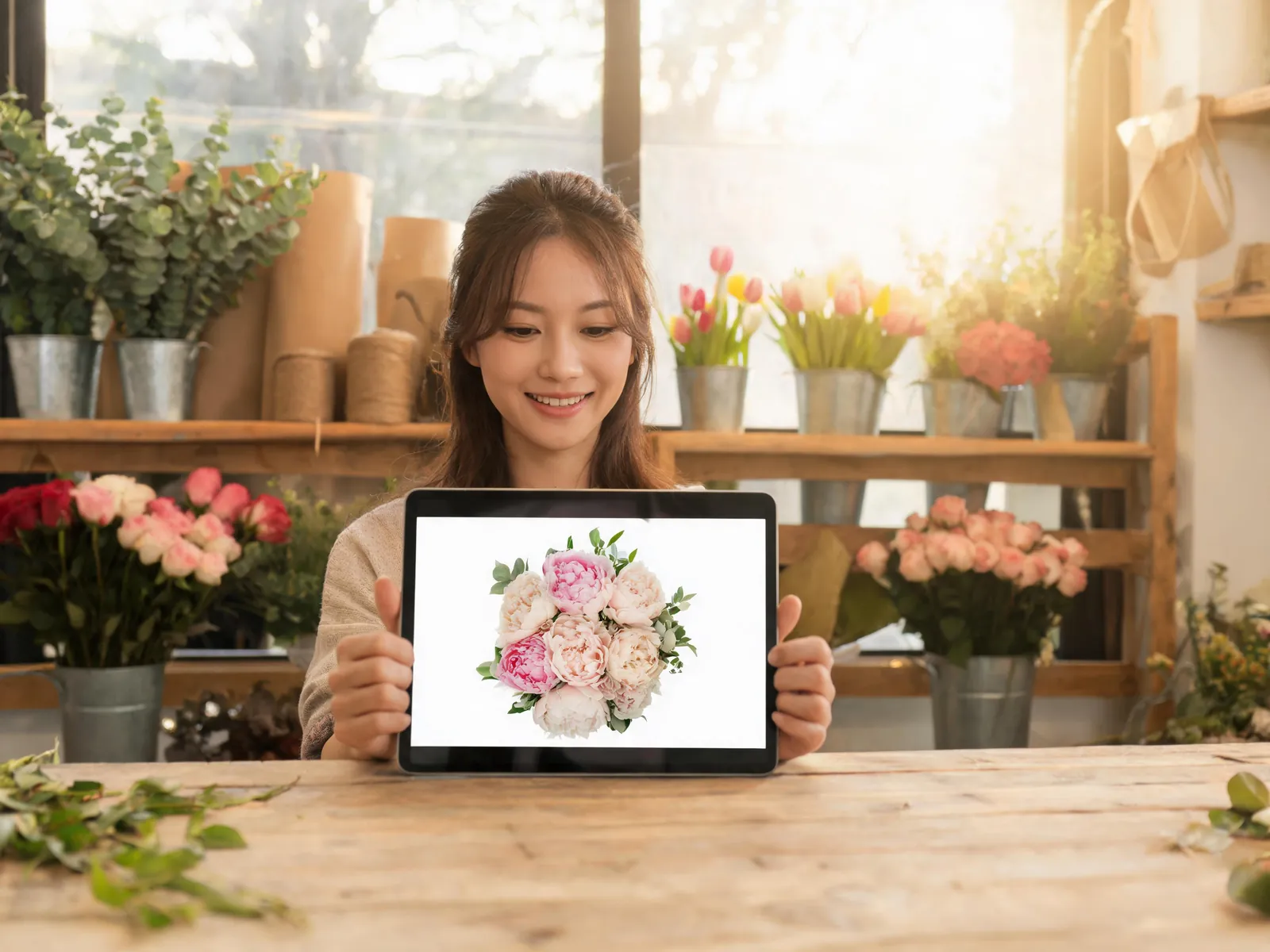
A flower shop owner holding up a tablet showing a peony bouquet product photo for her website.

Small businesses and independent workers

Get professional-looking images for your website, pitch decks, and marketing without hiring an agency. Describe what you need and it's ready within the session. No minimum spend, no waiting for revisions, no back-and-forth approval cycles.

A hobbyist reviewing a series of AI-generated concept art images for a personal project.

Personal and creative projects

Bring ideas to life for the sake of it — concept art, illustrated stories, custom gifts, creative experiments. There's a free tier to get started, so there's no cost barrier between the idea and the image. Make something you wouldn't have made otherwise.

AI photo generator: questions people ask first

Practical answers about what you can do here and how it works.

Yes. Create a free account — no credit card needed — and you get 12 free credits when you sign up, valid for your first 30 days. Images start at 3 credits each, with the cost depending on the model and resolution, and the workspace shows the exact cost before you generate. If you need more, credit packs start at $9.9 and subscriptions at $15/month; any purchase also gives you a commercial-use license for what you create afterwards.

Yes. Add a clear photo of yourself as a reference image, then describe what you want — a professional headshot, a new outfit, a different background, or an illustrated version of you. A well-lit, front-facing photo gives the most faithful result, and results vary by model, so it's worth trying a couple. Only upload photos of yourself or of people who have given you permission.

An AI photo generator covers both ways of making an image: write a prompt and get a brand-new picture, or upload a photo and describe how it should change. Visiojoy's text to image tool does only the first part — it turns a written prompt into a new image and doesn't take uploads, which keeps the workspace simpler if prompts are all you use. If you're starting from an existing photo — of yourself, a product, or a reference — use the AI photo generator on this page.

It creates images from written descriptions. You type out what you want — a product photo, a landscape, an illustration — and the tool generates a result based on your input. The whole process takes seconds and doesn't require any design software or technical knowledge on your end.

Text-to-image generates a new image from scratch based on a written prompt. Image-to-image takes an existing photo you upload and modifies it according to a description — changing the style, background, or mood while keeping the original structure. Both modes are available from the same workspace.

Be specific. Include the subject, the setting or background, the mood, the style (photorealistic, illustrated, minimal), and any detail that matters to you. For example: 'overhead shot of coffee and a notebook on a light wood desk, warm morning light, minimalist'. You don't need special syntax — plain descriptive language works well.

Visiojoy supports several generation models, each with different strengths. Some produce more photorealistic results, others are better for artistic or stylised outputs. You can see the available options in the workspace and switch between them freely to find what works best for your particular image.

Yes, once you've made a purchase. Images you create after your first purchase (any subscription or credit pack) can go into client projects, ad campaigns, product listings, or any business use. Images created before your first purchase are licensed for personal, non-commercial use only.

You can set the aspect ratio before generating — options include square (1:1), landscape (16:9), portrait (9:16), and others. Generated images can be downloaded as PNG or WebP. The resolution depends on the model and quality setting you choose.

Yes. Visiojoy doesn't store your prompts or generated images after your session ends. Everything is processed and then cleared from the servers. Nothing you create here persists or gets used to train models without your consent.

Your first image is a few words away

Type a description or upload a photo and see what comes back. Sign up free — no credit card needed.

Creative Tools
  • AI Image
  • AI Video
  • Text to Image
  • Image to Image
  • AI Image Editor
  • Unblur Image
  • AI DnD Map Generator
  • AI DnD Character Creator
  • AI Family Portrait Generator
  • All Tools
Image Models
  • Nano Banana 2.1
  • Nano Banana Pro
  • Nano Banana 2
  • Nano Banana 2 Lite
  • GPT Image 1.5
  • GPT Image 2
  • GPT Image 2.5
  • Seedream 5 Lite
  • Seedream 5 Pro
  • Seedream 4.5
  • Flux 2 Pro
  • All Image Models
Video Models
  • Seedance 2.5
  • Seedance 2.0
  • Seedance 2.0 Fast
  • Wan 3.0
  • Wan 3.0 Prime
  • MiniMax H3
  • Grok Imagine
  • All Video Models
Company
  • About
  • Contact
  • Pricing
  • MCP
  • Privacy Notice
  • Terms of Service
  • Refund Policy
  • Copyright Policy
© 2026 Visiojoy. All rights reserved.

Visiojoy

Visiojoy